
The Complete Visual Guide to
Set Up Parental Controls on iPhone
Get Answers to Questions Like:
- How can I limit my child's screen time?
- How do you block inappropriate websites?
- How to block text messages on your iPhone?
- How to view location history on an iPhone?
- How to create an Apple ID for a child?
Features
Learn how it works, what it can do, and what else you need to know to protect your child from potentially dangerous content.

Block Adult Contents
You can use the built-in content and privacy restrictions to block or limit access to adult content.

Blacklist Contacts
It is possible to blacklist contacts on iOS devices. Once a contact is blocked, they will not be able to call you or send you messages.

Check Recent History
The feature, called Screen Time, provides a detailed breakdown of how much time your child spend on their device.
Frequently Asked Questions
Find out the answers to common questions about iOS parental controls:
-
Does iOS really have free parental controls?
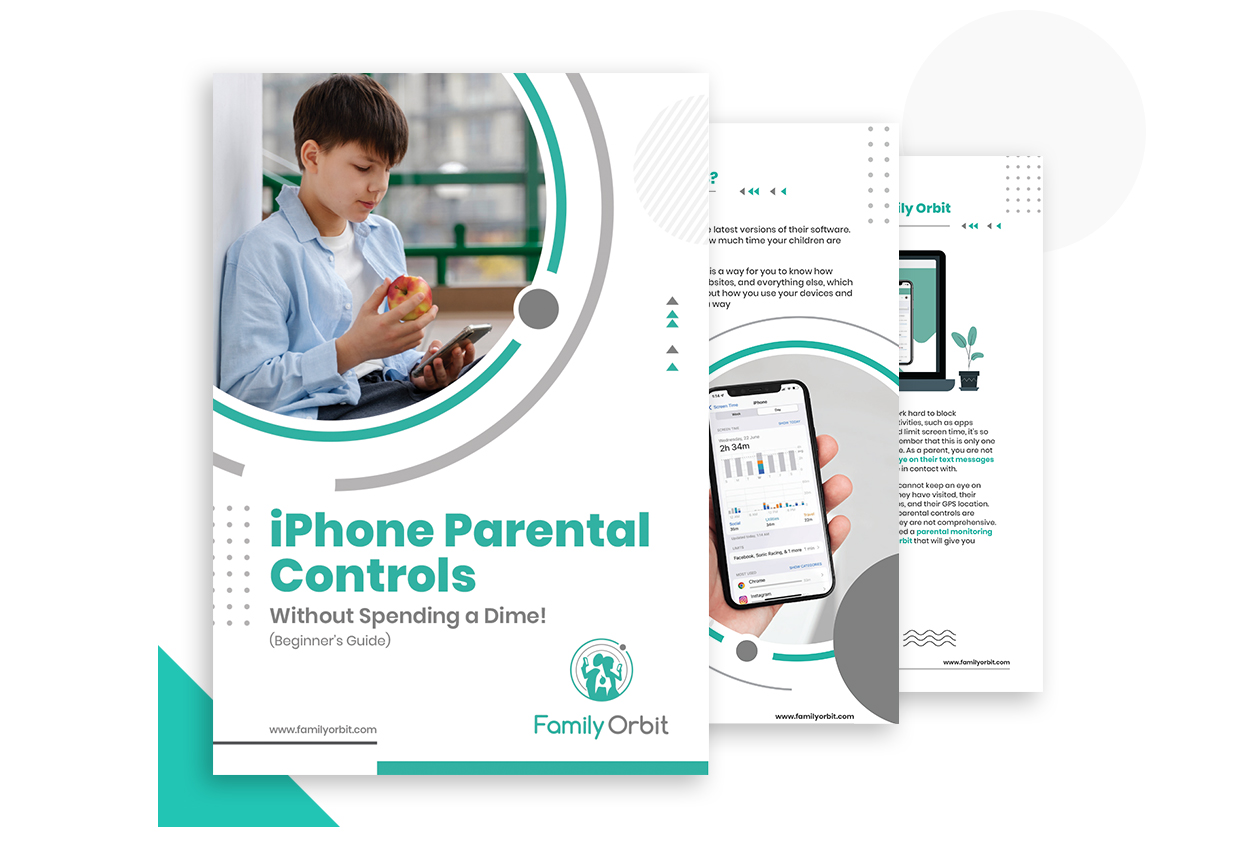
Yes, there are several free ways to set up parental controls on iOS devices. One way is to use the built-in Screen Time feature, which allows you to set limits on specific apps or websites, as well as set "Downtime" to limit usage during certain hours of the day. Additionally, you can use the built-in content and privacy restrictions to block or limit access to certain content, such as adult websites or apps. Another option is to use the restriction passcode, which allows you to restrict access to certain features, such as in-app purchases, Siri, and the camera. Download the free ebook to learn step-by-step how to set up parental controls on iPhone for free!
-
How do I set up parental controls on my iPhone?
To set up parental controls on an iPhone, you can use the built-in Screen Time feature and the built-in content and privacy restrictions. The eBook covers all the required details and instructions on how to set up parental conols on your iPhone?
-
How can I limit my child's screen time usage?
You can set limits on your child's screen time by setting app limits or downtime. App limits allow you to set a maximum amount of time that can be spent on specific apps or categories of apps (e.g. games, social media, etc.). Downtime allows you to schedule a specific time period during the day when certain apps or websites will be blocked.
-
Do I need to pay for Screen Time for iOS?
No, the Screen Time feature on iOS is a built-in feature and is available for free on all iOS devices. You do not need to pay for it. You can use it to set limits on specific apps or websites, set "Downtime" to limit usage during certain hours of the day, and view usage statistics for your device. Additionally, you can use the built-in content and privacy restrictions to block or limit access to certain content, such as adult websites or apps.
-
When screen time is free, why would you need a third-party parental control app?
The built-in Screen Time feature on iOS provides many features that are useful for parental controls, such as setting limits on specific apps or websites, setting "Downtime" to limit usage during certain hours of the day, and viewing usage statistics for your device. Additionally, you can use the built-in content and privacy restrictions to block or limit access to certain content, such as adult websites or apps.
However, some third-party parental control apps may offer additional features that may not be available in the built-in Screen Time feature. These features may include:
- More detailed and granular controls, such as time limits for specific activities, or the ability to block apps during specific times of the day.
- Real-time monitoring of your child's phone activities such as calls, texts, and location.
- Additional features such as tracking browsing history, monitoring social media activities, and setting up alerts for specific keywords or contacts.
- A more user-friendly interface and better presentation of data.
- Remote access and control, you can monitor and control the device usage even if you're not physically near the device
- Some apps can work across multiple platforms and across multiple devices, so you can monitor and control all your family's devices in one place.
Ultimately, it depends on your specific needs and preferences. The built-in Screen Time feature provides many basic parental controls for free, but some users may find that third-party parental control apps offer additional features that are more useful for their needs. -
How can I download your free eBook?
Just enter your name and email address in the form above and we will send you a link to download the eBook immediately as a PDF file. You can read the eBook on your smartphone, tablet, or computer. You can even copy it to your Kindle. You are also free to forward the eBook to your friends and family who may benefit from this information.
-
What is your privacy policy?
We respect your privacy. Our goal is to stay in touch with you about our relevant content, products, and services based on the information you provide to us. You can unsubscribe from these communications at any time. Read our Privacy Policy to learn more.