
Every parent knows that uneasy feeling — the moment your child doesn’t answer a text, the school bus is late, or a teen says “I’m almost home” and twenty minutes go by. That’s why location-sharing and family safety apps have exploded. Parents don’t want to spy. They want peace of mind.
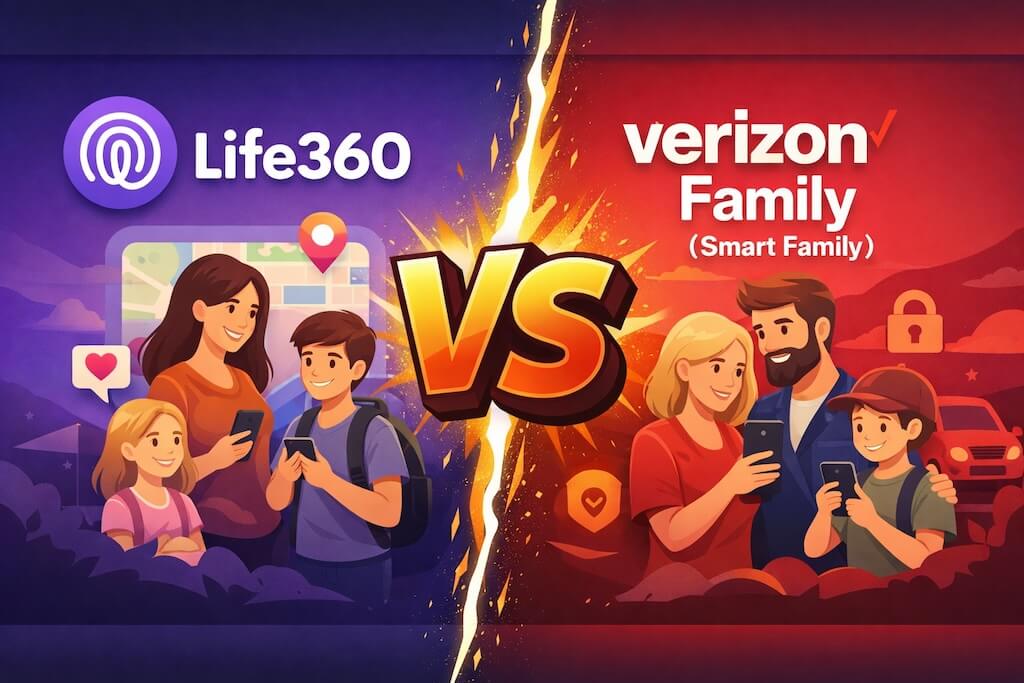
Two names keep coming up when families search for help: Life360 and Verizon Smart Family (now branded as Verizon Family). Both promise to tell you where your child is, send alerts when they arrive or leave places, and help keep families connected. On the surface, they look similar — but they’re built on very different philosophies.
Life360 is a standalone family location app used by millions of households across iPhone and Android. Verizon Family, on the other hand, is a carrier-level service designed for families who use Verizon phone plans and want safety and parental tools baked into their wireless account.
So which one actually works better in real life?
Which one gives you more reliable location data, better alerts, and fewer headaches?
And most importantly, which one fits the way modern families actually use their phones?
That’s what this comparison is about.
We’re going to look past the marketing and break down how Life360 and Verizon Family really perform when it comes to location accuracy, driving and safety alerts, parental controls, pricing, and privacy — so you can make the right choice for your family without guessing.
Quick Verdict (TL;DR)
If you’re skimming, this is the honest answer. The “best” option depends on whether you want a cross-carrier family safety app or a Verizon-account-based family management tool.
Choose Life360 if:
Your family has a mix of iPhones and Androids (or different carriers) and you mainly care about location + safety alerts in one simple app.
- You don’t want your tracking tied to one mobile carrier.
- You want a familiar “family circles” style setup that’s easy to invite people into, or leave.
- You care more about where they are than heavy parental controls.
- You want a widely-used option with lots of community troubleshooting tips online.
Choose Verizon Family (Smart Family) if:
You’re already paying for Verizon lines and want family location + driving insights + parental tools managed through a carrier-based family plan.
- Most (or all) of your family phones are on Verizon.
- You want something that feels “built into” your Verizon account and plan.
- You care about a more structured parent/dependent setup.
- You’d rather have fewer apps to manage and one place for family safety settings.
Before you blame either app… check this first
Location apps fail for the same boring reasons: the phone is in Low Power Mode, background location is restricted, or Android battery optimization shuts the app down. Fix that, and both tools usually improve overnight.
- iPhone: Location must be allowed properly, and Background App Refresh matters.
- Android: Battery optimization can kill tracking even when everything “looks” enabled.
- Indoors: GPS drift is normal — malls, schools, and apartments are the worst.
Why This Comparison Matters Now
Ten years ago, tracking your kid’s phone meant one thing: installing an app.
That’s not the world we live in anymore.
Today, parents are being pulled in two completely different directions:
One path is apps like Life360 — download it, invite your family, and start sharing locations across iPhones and Androids.
The other path is what Verizon is doing — baking family tracking, driving safety, and parental controls straight into the phone plan itself.
That shift changes everything.
Kids don’t just sit at home with their phones. They move constantly — school, sports, friends’ houses, part-time jobs, rides with other teens. When something goes wrong, parents don’t want guesses. They want proof: where the phone is, whether it’s moving, and whether something unusual just happened.
That’s why Life360 leaned hard into safety features like crash alerts and driving reports.
And it’s why Verizon stopped treating Smart Family as a side add-on and rebuilt it into Verizon Family, a full family-safety system tied to your wireless account.
So this isn’t really “an app vs an app.”
It’s a choice between:
• a cross-carrier family safety app that works anywhere
• or a carrier-level family system that’s deeply wired into your kids’ phones
And which one works better depends on how your family actually uses their devices — not what the ads promise.
Feature Breakdown — What You Actually Get
On paper, both apps say “family safety.” In real life, they’re built differently: Life360 is a cross-carrier family location app, while Verizon Family is a carrier-based family management tool tied to your Verizon account. Here’s how that plays out feature-by-feature.
Location Tracking
Both show real-time location, but they “think” differently: Life360 is built around family circles across devices and carriers, while Verizon Family is built around parent/dependent lines on a Verizon plan.
Easiest when your family is mixed (iPhone + Android, different carriers).
- Simple invites and “circle” setup
- Good for everyday coordination
- Works regardless of carrier
Strongest when the household is fully on Verizon and managed under one account.
- Parent/dependent structure
- Tied to Verizon lines
- Less ideal for mixed carriers
Location History & Geofencing Alerts
Both can show where the phone has been and alert you when your child arrives/leaves places like home or school. The real difference is how easy it is to set up — and how consistently it runs in the background.
- Life360: quick “places” setup and easy family notifications.
- Verizon Family: more structured alerts tied to dependent lines and your Verizon dashboard.
- Both: can get flaky if location permissions are restricted or battery optimization is aggressive.
Driving & Safety Features
If you have a teen driver, this category can be the deciding factor. Both lean into “safety insights,” but the experience feels different: Life360 delivers it as a family safety layer, while Verizon frames it as part of managing a dependent line.
- Driving insights are only as good as the phone’s sensors, permissions, and consistent use.
- Indoor GPS drift is normal — don’t treat it like a courtroom transcript.
- Use alerts to start conversations, not to start fights.
Parental Controls Beyond Location
This is the big split. Life360 is primarily a location + safety app. Verizon Family is designed to add more “parent control” features because it’s tied to your carrier account and dependent lines.
- Life360: strong for “where are you?” and basic safety context.
- Verizon Family: generally better if you want rules, limits, and dependent management.
- Neither: replaces a dedicated parental control platform if you need deep content/app controls.
If tracking looks wrong, it’s usually due to permissions, Low Power Mode, Android battery optimization, or weak GPS indoors (schools, malls, apartments). Fix those first — then compare the apps again.
Pricing — What You’ll Actually Pay (and What You Get for It)
Pricing is where a lot of parents get annoyed, fast. Because both of these tools can look “cheap” at first… until you realize the features you actually want are locked behind paid tiers.
Here’s the clean way to think about it:
- Life360 is a freemium app. You can start free, but most families end up paying once they want meaningful safety features and better history/alerts.
- Verizon Family (Smart Family) is a carrier add-on. You’re paying for it as part of your Verizon ecosystem — which can be convenient, but also makes it feel like “one more monthly charge” on top of your phone bill.
Life360: Why families end up paying
Life360’s free tier is enough for basic location sharing, but the moment you want the “serious parent stuff” (better location history, more safety features, richer alerts), that’s typically in a paid plan.
You’ll usually pay if you care about:
- More useful location history (not just “where are they right now?”)
- Safety-focused features for teens (especially driving-related insights)
- A cleaner “family safety” experience without feeling like you’re missing half the tool
The upside: it works no matter what carrier your family uses.
The downside: the best features tend to be gated behind paid tiers.
Verizon Family: When it’s worth it
Verizon Family is easiest to justify when you’re already a Verizon household and you like the idea of a single place to manage family safety and controls.
It’s most worth it when:
- Your child is on a Verizon line, and you wanta “parent/dependent” structure
- You want safety + control features tied to the account (not just an app)
- You prefer “add it to the bill” instead of managing yet another subscription separately
The catch: if your family isn’t fully on Verizon, the value drops quickly. A cross-carrier household can end up paying for something that doesn’t fit.
The Pricing Trap Most Parents Miss
Parents don’t choose these tools based on the lowest monthly price. They choose them based on the moment something goes wrong — late pickup, lost phone, teen driver situation — and they want the features that help in that moment.
So instead of asking “Which one is cheaper?” ask this:
“Which one gives me the features I’ll actually use — in the situation I’m worried about?”
In the next section, we’ll talk about the biggest hidden factor of all: setup, ease of use, and why these apps sometimes look ‘broken’ when they’re not.
Setup & Ease of Use — Where Most Parents Get Stuck
On paper, both Life360 and Verizon Family sound simple. In real life, this is where most of the frustration happens.
Not because the apps are bad — but because modern phones fight background tracking.
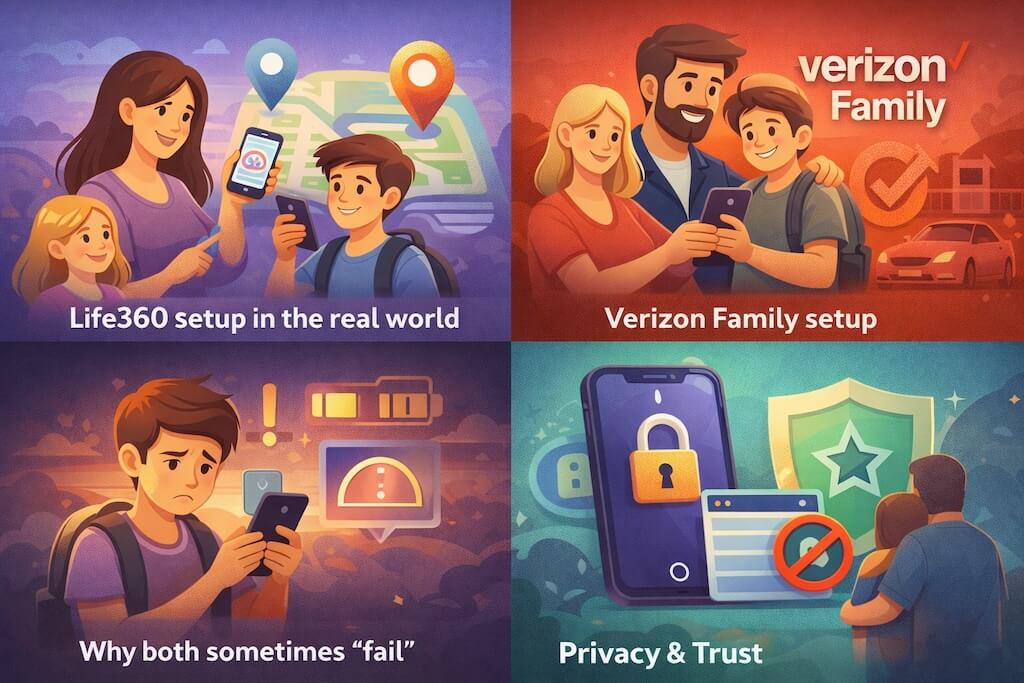
Life360 setup in the real world
Life360 is easy to install. You download it, invite your family, and you’re up and running in minutes. But for it to actually work well, you have to get one thing right: permissions.
If a child’s phone is set to:
- “While Using” location instead of “Always”
- Low Power Mode on iPhone
- Battery optimization on Android
…then Life360 quietly stops updating. Parents think the app is broken when it’s really the phone protecting its battery and privacy.
Life360 works best when:
- Background location is allowed
- Battery optimization is disabled for the app
- The child doesn’t constantly force-close it
Miss one of those, and accuracy drops fast.
Verizon Family setup
Verizon Family feels more structured from the start. You assign lines as “parents” and “dependents” inside your Verizon account, then install the companion app on your child’s phone.
That structure is a double-edged sword.
It makes things feel more controlled and official — but it also means setup takes longer, and changes (like switching phones or lines) can cause issues if everything isn’t re-synced correctly.
Verizon Family works best when:
- The child’s phone stays on a Verizon plan
- The Verizon Family app is installed and kept up to date
- The account roles are set correctly
If something changes on the Verizon side, location and alerts can lag or stop.
Why both sometimes “fail.”
Here’s the part most comparison pages don’t tell you:
When the location looks wrong, it’s usually not the app.
It’s:
- iOS is restricting background GPS
- Android killing apps to save battery
- Weak GPS indoors (schools, malls, apartments)
Both Life360 and Verizon Family rely on the same phone sensors. If the phone won’t share, neither app can perform miracles.
Privacy & Trust
Any app that tracks a child’s phone has access to sensitive data, so privacy matters just as much as features.
Life360 is a third-party app. That means your family’s location data is handled by Life360’s servers and governed by their privacy policies. You’re trusting a tech company to store and protect that information.
Verizon Family is tied to your Verizon account. That puts location and activity data under a major telecom’s data and compliance systems, which some parents find more reassuring — especially since it’s already tied to their billing and identity.
The real truth:
Neither tool should be used for spying. They’re meant for safety, not control. If a child feels constantly watched, they’ll look for ways around any app — no matter how good it is.
Pros & Cons
Life360
- Works across iPhone, Android, and all carriers
- Very easy to invite and manage family members
- Strong focus on real-time location and safety alerts
- Large user base and lots of community support online
- Best safety features require a paid plan
- No real screen time or content controls
- Can look inaccurate if phone permissions aren’t set correctly
- Not designed for strict parent-child control
Verizon Family (Smart Family)
- Tightly integrated with Verizon phone plans
- Better structure for managing dependent lines
- Includes driving and safety-focused features
- No need for a separate third-party tracking app
- Only works well if your family is on Verizon
- Less flexible for mixed carriers or devices
- Feels like another add-on charge on your phone bill
- Setup depends heavily on Verizon account configuration
Which One Should You Choose?
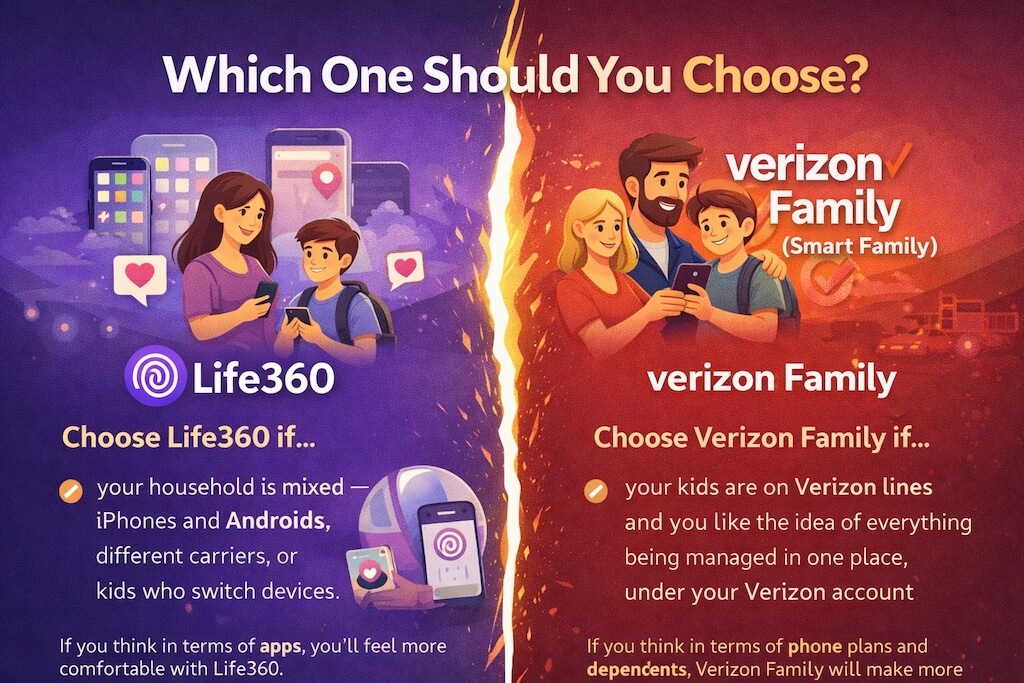
At this point, the answer is usually pretty clear once you think about how your family actually uses phones.
Choose Life360 if your household is mixed — iPhones and Androids, different carriers, or kids who switch devices. It’s built to follow the person, not the phone plan, and that flexibility is why so many families stick with it.
Choose Verizon Family (Smart Family) if your kids are on Verizon lines and you like the idea of everything being managed in one place, under your Verizon account. It feels more structured, and for some parents that extra control is exactly what they want.
And if you’re still unsure, here’s the simplest way to decide:
If you think in terms of apps, you’ll feel more comfortable with Life360.
If you think in terms of phone plans and dependents, Verizon Family will make more sense.
Frequently Asked Questions
Is Verizon Smart Family the same as Verizon Family?
Yes. Verizon originally called it Smart Family, but it’s now branded as Verizon Family. Many people still search for the old name, which is why you’ll see both used.
Does Life360 work without Verizon?
Yes. Life360 works on any carrier and on both iPhone and Android. That’s one of its biggest advantages — it isn’t tied to a phone plan.
Which one is more accurate for location tracking?
Neither app has magical GPS. They both rely on the phone’s location services. When tracking looks wrong, it’s usually because the phone has restricted background location or battery usage.
Can kids turn these apps off?
They can if they have access to the phone’s settings. No consumer app can fully override a phone owner’s control, which is why trust and communication matter as much as technology.
Does Verizon Family include parental controls?
It offers more control than Life360, especially for managing dependent lines, but it’s not as deep as a full parental control suite.
Is Life360 safe to use?
Life360 is widely used and designed for family safety, but like any third-party app that handles location data, you should review its privacy settings and understand what’s being shared.
But What If You Want More Than Just Location?
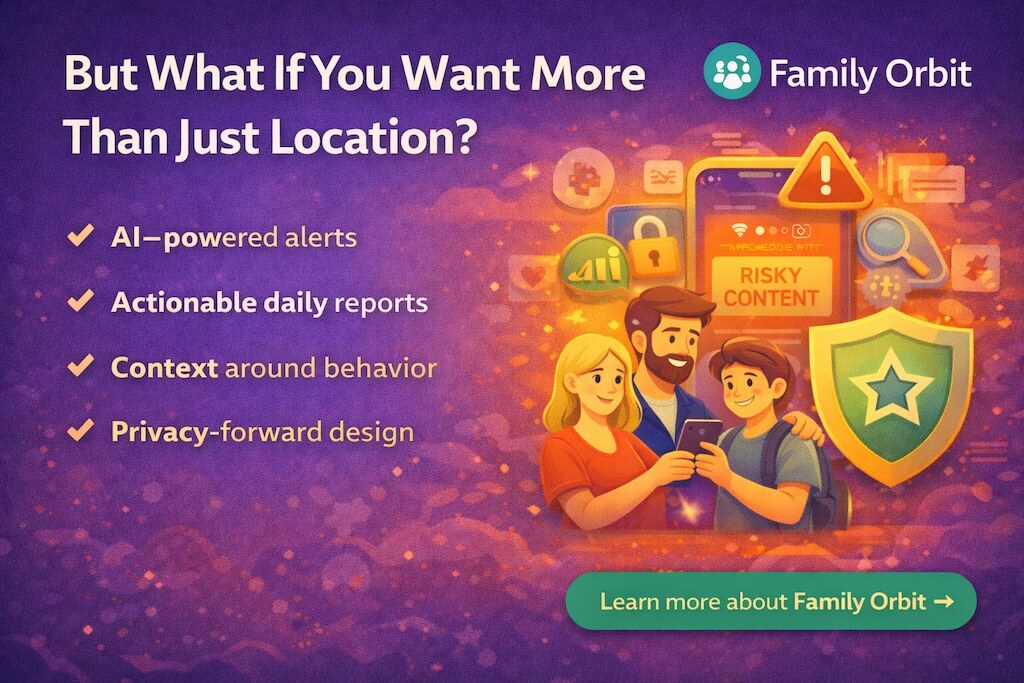
Most parents don’t stop worrying at “Where are they?”
They want:
- safety context, not just dots on a map
- insight into behavior, not just location history
- notifications when something unusual happens
- guidance when tech becomes conflict
- true awareness without spying
This is where apps like Life360 and Verizon Family fall short — and where Family Orbit actually fills the gap.
Family Orbit isn’t just another “location tracker.”
It’s a parental intelligence platform, built to go beyond dots on a map and help you stay aware without making your child feel hunted.
Here’s what Family Orbit adds:
- 📌 AI-powered alerts — risky content, patterns, and behavior flags
- 📊 Actionable daily reports — not just “where,” but “what’s happening”
- 🔍 Context around digital behavior — not surveillance, but awareness
- 🔐 Privacy-forward design — built for compliance and peace of mind
You’re not replacing Life360 or Verizon Family with Family Orbit.
You’re completing your family safety tech stack.
📍 Use Life360 or Verizon Family for location — and use Family Orbit for meaning.
- Monitor Calls & Text Messages
- View Photos and Videos
- Location Tracking & Geofence
- Monitor WhatsApp & Kik
- Detect & Alert for Inappropriate Activities
- Monitor Websites Visited
- Compatible with Android and iOS