

Ever wondered what someone might be hiding on Instagram?
Maybe a post disappeared overnight, or you noticed their feed looks… cleaner.
If you’ve ever thought, “Did they delete it — or just archive it?”, you’re not alone.
I get this question all the time — both as a mom and as the founder of a tech company that helps parents stay informed about their kids’ digital lives.
So, let’s clear this up once and for all: you can’t see someone’s archived posts. And honestly, that’s how it should be.
What Exactly Are “Archived Posts”?
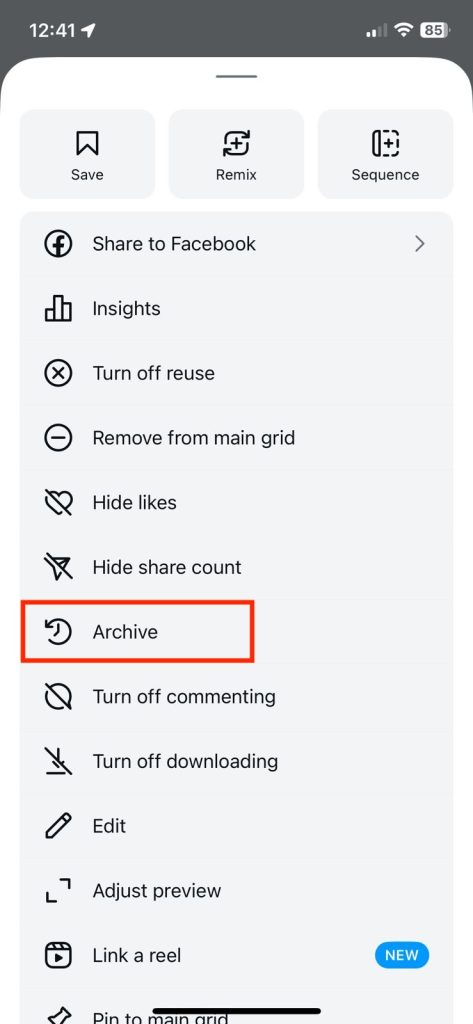
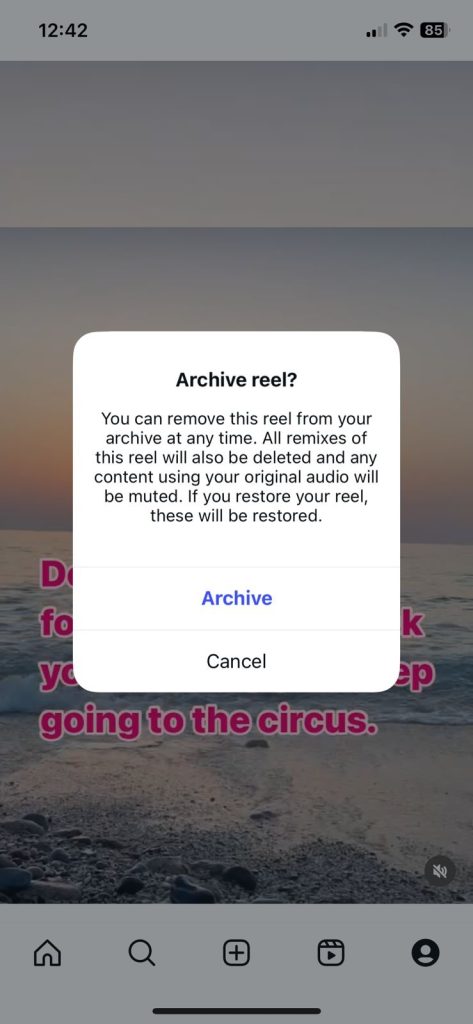
Instagram’s “Archive” feature is like a private closet for your posts. You can easily tuck something away without throwing it out.
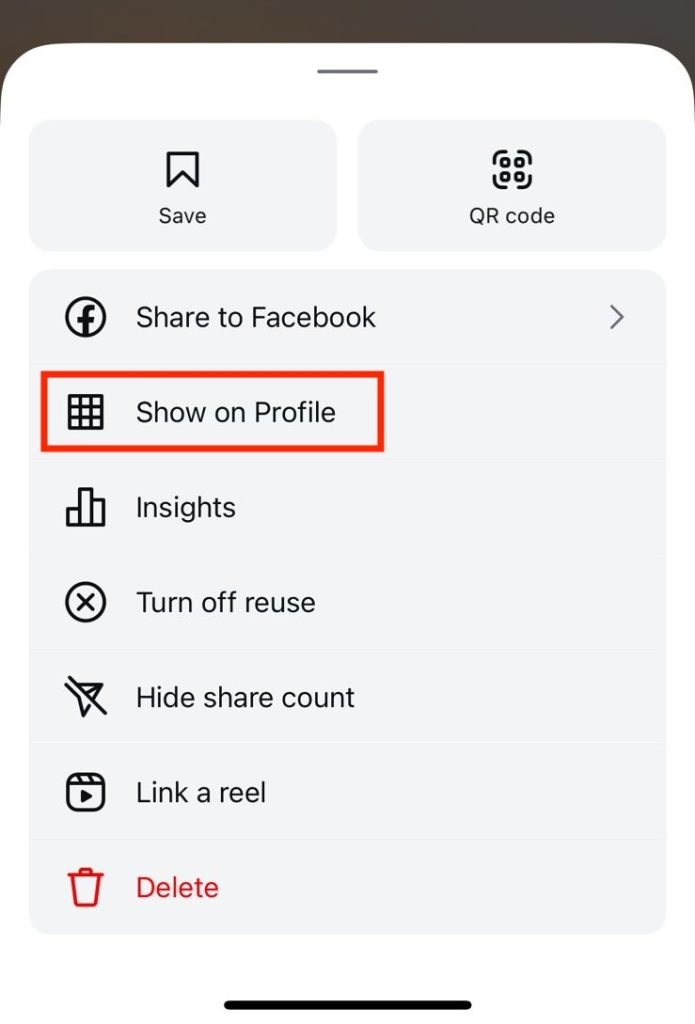
When you archive a post, it disappears from your public profile but stays safely inside your account. You can bring it back anytime.
People use it for all kinds of reasons — to clean up their feed, hide an old relationship photo, or just take a break from memories they’re not ready to delete.
I’ve done it myself. A while back, I archived a family vacation photo where my teenage son looked annoyed in every shot. He asked me to take it down, and he was right — it was his moment, not mine, to share.
Can You See Someone Else’s Archived Posts?
No.
Not with an app. Not with a trick. Not even with a “hack.”
Archived posts are visible only to the person who posted them.
They don’t appear in tagged photos, search results, or followers’ feeds.

Even Instagram itself doesn’t show those images to anyone else — it’s all stored privately under that person’s account.
So if you see a cleaner feed or missing photos, don’t go searching for a secret button. There isn’t one.
Why There’s No Such Thing as an “Archive Viewer” App
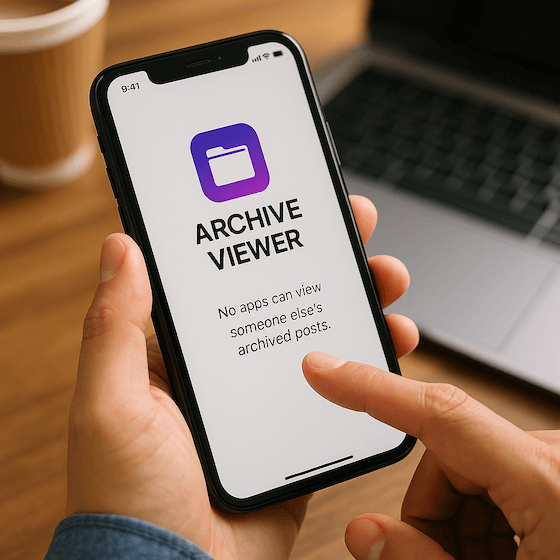
You might stumble on a few websites claiming they can “reveal hidden or archived posts.” They can’t.
Most of them confuse “archived” with “deleted” or “private.” Others are straight-up scams — copycats of the same shady “Instagram viewer” model that’s been fooling people for years.
Here’s the truth: Instagram doesn’t give any outside app access to someone’s archives. The data isn’t public. So if a site says otherwise, it’s lying — or worse, trying to grab your login info.
My rule of thumb?
If an app asks for your Instagram password or payment before showing “results,” it’s a red flag. Close the tab and move on.
Why That’s Actually a Good Thing
I know what you might be thinking — “But I just want to see what they hid!”
Here’s the thing: privacy online is a lot like privacy at home. We all need a door we can close sometimes.
When my teenager archives a photo, it doesn’t mean they’re hiding something terrible. Maybe they were embarrassed, maybe they changed their mind. That’s okay.
Instagram’s Archive feature gives people a safe space to pause, reflect, or start fresh — without deleting memories forever.
It’s digital breathing room in a world that never forgets.
And as a mom, I think that’s healthy.
What You Can See Instead (And It’s Totally Legal)

You may not be able to see someone’s archived posts, but there’s still plenty you can see — publicly and ethically.
Here are your safe options:
- Public posts and highlights: anything they’ve shared openly is fair game.
- Tagged photos: if someone else tagged them in a post that’s public, it’ll still show up.
- Search mentions: look up their handle or name in Instagram’s search bar.
- Reverse image search: if an older post was shared elsewhere, you might find it through Google Images.
If your goal is just to view public content easily, you can use the Family Orbit Instagram Viewer.
It lets you browse public profiles and posts safely — no logins, no shady scripts, no privacy violations.
It’s built for curious users and cautious parents who want clarity, not intrusion.
What to Do If You’re a Parent Worried About Hidden Content
If you’re a parent, I get it.
Sometimes a kid archiving posts can feel like a warning sign — maybe they’re hiding from someone, or maybe they just don’t want judgment from peers.
Before you panic, talk first.
Ask simple, honest questions like,
“Hey, I noticed you took that post down. Everything okay?”
Most of the time, they’ll open up.
If you genuinely believe something unsafe is happening — bullying, threats, or risky connections — then use a family monitoring tool that’s built for transparency.
How Family Orbit Helps Parents Keep Kids Safe Without Invading Privacy
Being a parent today is like walking a tightrope between protection and privacy.
You want to keep your child safe online — but you don’t want to snoop or break their trust.
That’s exactly why we built Family Orbit.
I’ve spent years in the tech world, testing apps that claimed to monitor kids’ phones. Most were either too invasive, too complicated, or downright unethical.
So, we created something different — something a parent could actually feel good using.
Family Orbit gives you insight without intrusion.
It lets you:
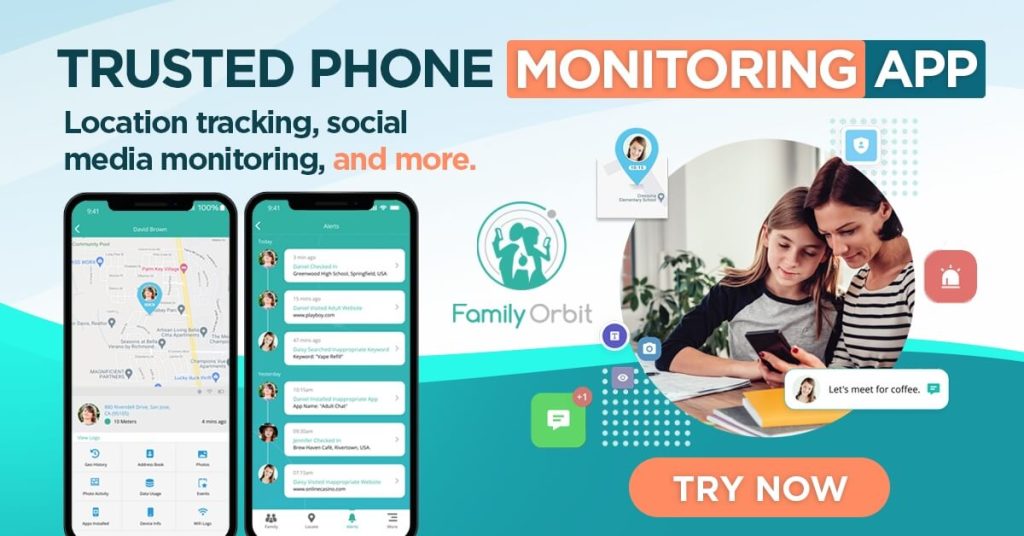
- See your child’s location history and set geofences for safety.
- Review photos and videos backed up from their device.
- Monitor public social media activity (like Instagram posts, captions, and mentions).
- Get AI-powered alerts if it detects concerning behavior — things like bullying, explicit content, or dangerous interactions.
- Keep track of screen time and app usage to spot unhealthy patterns.
And here’s the most important part:
Everything Family Orbit does is built around consent and transparency.
No secret spying, no fake profiles, no backdoors.
As a mom, I wanted to design an app that I’d actually feel comfortable explaining to my teenager — and that’s what Family Orbit became.
When you use Family Orbit, you’re not just monitoring — you’re mentoring. You’re having the hard conversations, but with data to back them up.
So instead of wondering what your child archived or deleted, you’ll already have the right picture: where they are, how they’re feeling, and when they might need your help.
FAQ
Can you see someone’s archived posts on Instagram?
No. They’re completely private and visible only to the account owner.
Can anyone see my archived posts?
No one else can — not even your followers.
Can I recover my own archived posts?
Yes! Go to your profile → Menu → Archive → Posts Archive. From there, you can unarchive and make them public again.
Why would someone archive posts?
To clean up their profile, take a break from old content, or protect their privacy. It’s common, not suspicious.
What should parents do if they’re worried?
Start with a conversation, then use safe monitoring tools like Family Orbit to stay aware without violating trust.
Final Thoughts: Privacy Isn’t the Enemy
In a world where everyone’s watching, Instagram’s Archive button is a small act of self-control.
You can’t — and shouldn’t — see someone else’s archived posts. It’s their corner of digital privacy.
And if you’re a parent, the goal isn’t to break into that corner. It’s to build enough trust so your child invites you in when it matters.
Curiosity is normal. But respecting boundaries?
That’s where real digital wisdom begins.
- Monitor Calls & Text Messages
- View Photos and Videos
- Location Tracking & Geofence
- Monitor WhatsApp & Kik
- Detect & Alert for Inappropriate Activities
- Monitor Websites Visited
- Compatible with Android and iOS