Instagram Highlights are saved collections of Stories that stay visible on a profile after the original 24-hour Story expires. They are often where creators, brands, local businesses, and public figures keep their most useful content: FAQs, product launches, travel guides, menus, tutorials, events, and behind-the-scenes updates.
But opening Instagram directly can lead to login prompts, limited browsing, or concerns about whether your account may appear in a recent viewer list. An Instagram Highlights viewer offers another option by retrieving publicly available Highlights without requiring you to log into Instagram.
This guide compares five anonymous Instagram Highlight viewer tools, starting with Family Orbit’s own viewer. It also explains the limitations that many comparison pages gloss over: public profiles only, incomplete results, changing Highlight order, missing media, caching, rate limits, and the fact that no third-party viewer is guaranteed to work every time.
Quick answer: You can use an Instagram Highlights viewer to browse available Highlights from a public account without signing into Instagram. You cannot legitimately unlock private Highlights, recover deleted collections, or guarantee that every Highlight will appear in the exact same order shown in the Instagram app.
1. Family Orbit Instagram Highlights Viewer
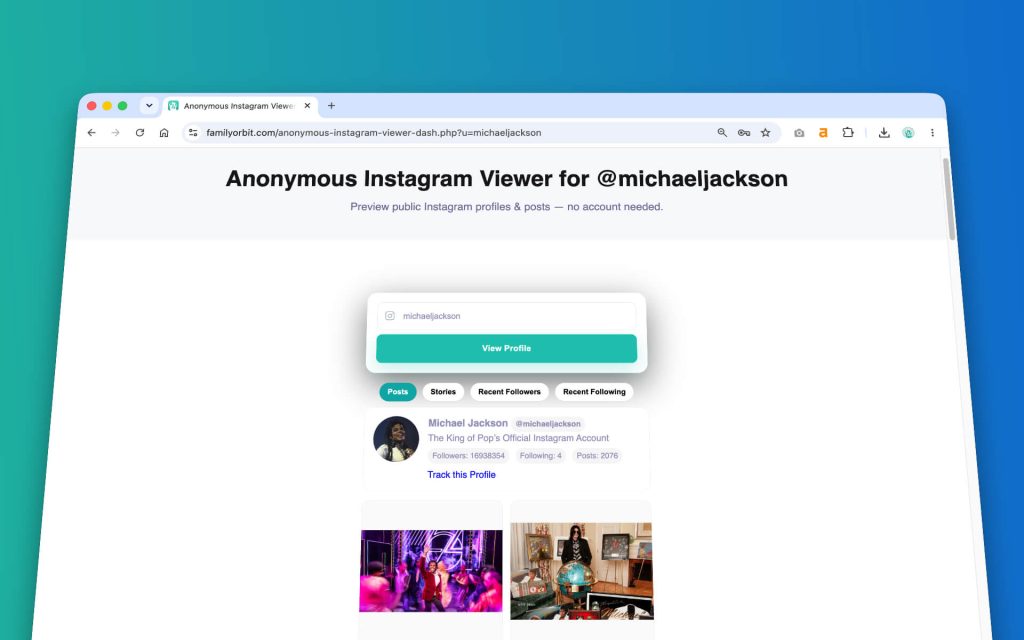
Family Orbit’s Anonymous Instagram Viewer combines public profile information, posts, Reels, followers, following, Stories, and Highlights in one browser-based interface. Enter a public username, open the profile, and choose the Highlights tab to see the collections currently available through the viewer.
This makes it a practical first choice when you want more than a single-purpose downloader. You can move between a profile’s public content types without repeatedly searching for the same account on several different websites.
Why use Family Orbit for Instagram Highlights?
- No Instagram login required. The viewer does not ask for your Instagram username or password.
- Multiple profile tabs. Check available Highlights alongside posts, Reels, followers, and following.
- Public-profile focus. It does not pretend to unlock private accounts.
- Mobile-friendly interface. Search and browse from a phone, tablet, or desktop browser.
- Useful for occasional checks. There is no need to create a separate Instagram account just to inspect public profile content.
View Instagram Highlights
View Instagram Highlights Anonymously
Enter a public Instagram username. When the profile opens, select the Highlights tab.
Reliability note: Instagram frequently changes how public profile data is delivered. A Highlight may be visible in the Instagram app but temporarily missing from an outside viewer. Try again later before assuming that the profile owner removed it.
The 5 Best Instagram Highlights Viewer Tools Compared
We reviewed the current public pages and feature descriptions of the tools below in August 2026. This is not a promise that every tool will remain available or return identical results. Instagram viewers can lose access, encounter rate limits, change domains, introduce paid limits, or stop working without notice.
| Tool | Instagram login | Highlights support | Other content | Main limitation |
|---|---|---|---|---|
| Family Orbit | Not required | Available Highlights from public profiles | Profiles, posts, Reels, Stories, followers and following | Results depend on current public data availability |
| Dolphin Radar | Not required for its public viewer | Dedicated Highlight viewer advertised | Posts, Stories, Reels and other profile data | Some functions may be tied to tracking or paid options |
| StoriesIG | Not required | Highlights and Stories advertised | Stories, Reels, photos and downloads | Availability and load consistency can vary |
| Inflact | Not required to start | Dedicated Highlights viewer | Profiles, Stories, posts and marketing tools | Free use is limited and advanced monitoring is premium |
| IGComment | Not required | Viewer and downloader advertised | Posts, Reels, Stories and profile pictures | Commercial promotions and unrelated growth services share the site |
2. Dolphin Radar Instagram Highlights Viewer
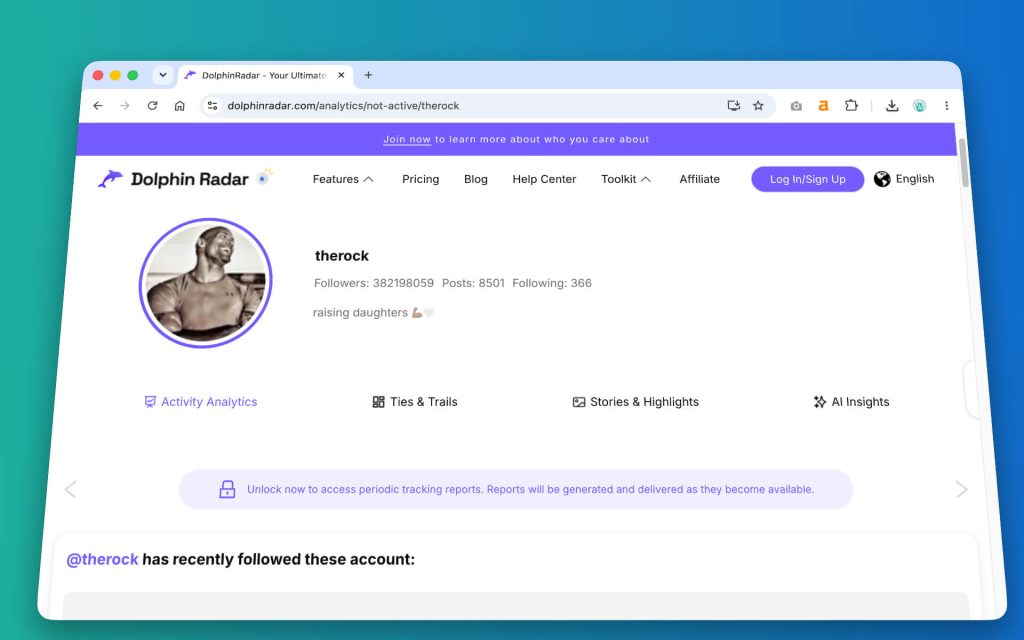
Dolphin Radar operates a broad Instagram-viewing suite covering public posts, Stories, Reels, Highlights, comments, likes, and reposts. Its main advantage is the range of content types presented under one service rather than a bare single-purpose input box.
Best for: Users who want to move between Highlights and other public activity within the same ecosystem.
Limitations: Some Dolphin Radar pages combine free viewing with account tracking, notifications, exports, or subscription features. Check what is actually free before depending on it for repeated use. Claims about archived or tracked content also apply only where the service previously collected that public data; it cannot recreate a deleted Highlight it never captured.
3. StoriesIG Highlight and Story Viewer
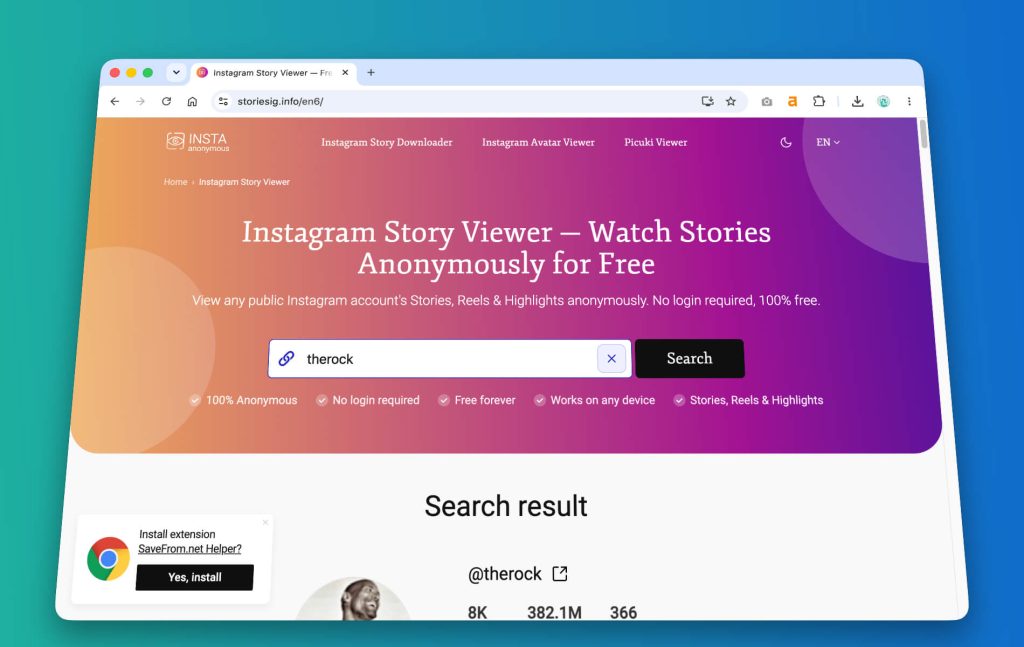
StoriesIG is primarily known as an Instagram Story viewer, but it also advertises support for Story Highlights, Reels, photos, and public downloads. Its interface is focused on quick username searches rather than account analytics.
Best for: One-off viewing when you mainly care about Stories and saved Highlights.
Limitations: Story-focused viewer sites often change domains, display inconsistent results, or fail when Instagram changes public endpoints. Missing media does not necessarily mean the Highlight has been deleted. Try another viewer or check again later.
4. Inflact Anonymous Instagram Highlights Viewer
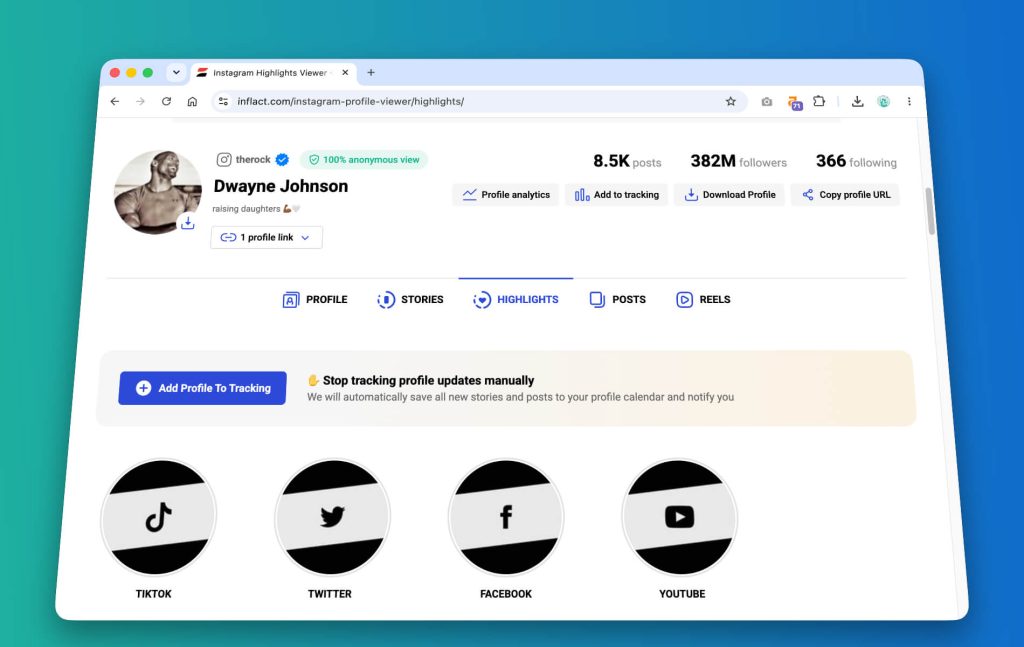
Inflact provides a dedicated Instagram Highlights viewer alongside a much larger Instagram marketing toolkit. It promotes anonymous public-profile viewing, browser access, downloads, and optional account monitoring.
Best for: Marketers or researchers who may also want profile analysis, scheduled monitoring, or other Instagram workflow tools.
Limitations: Inflact is not simply a free viewer. Some searches may be limited, and advanced tracking or saved-history functions are part of paid plans. Do not assume that “anonymous” also means that the service collects no technical information about visitors; review its privacy policy before using it regularly.
5. IGComment Instagram Highlight Viewer
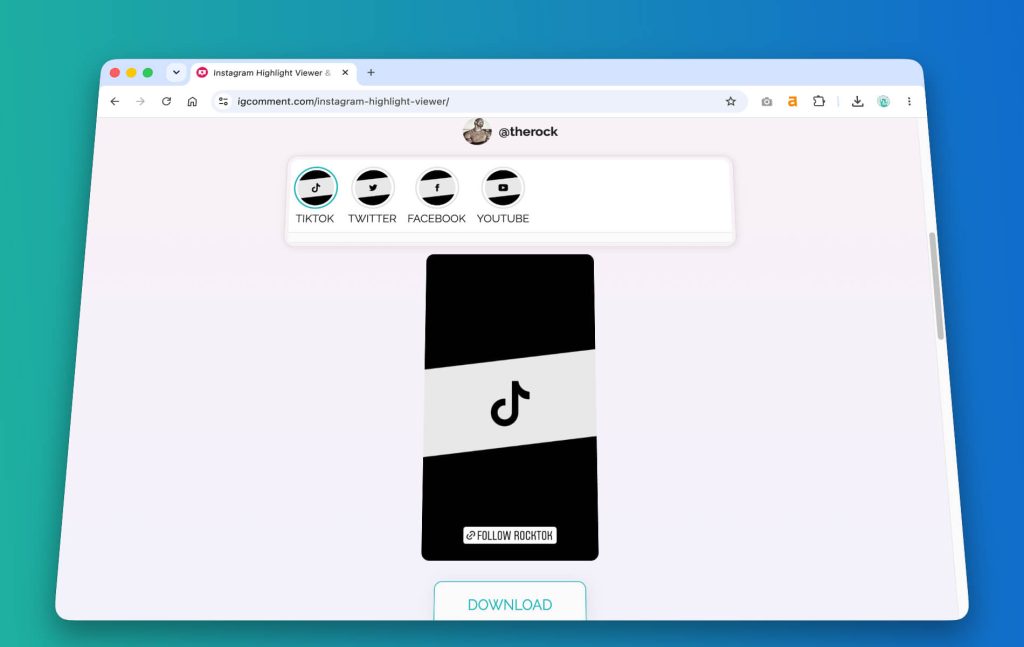
IGComment offers a dedicated Instagram Highlight viewer and downloader. The page accepts a public username or link and advertises browser-based viewing without requiring an Instagram account.
Best for: Users who want a simple viewer with an obvious download option.
Limitations: The same website also promotes paid likes, followers, comments, and other growth services. That does not automatically make its viewer unsafe, but users should avoid mixing anonymous browsing with services that require account credentials, permissions, or aggressive promotional commitments.
What Is an Instagram Highlight Viewer?
An Instagram Highlight viewer is a web tool that requests publicly available Highlight data for a profile and displays it outside the normal Instagram interface. Most tools follow the same process:
- Enter a public Instagram username or profile URL.
- The viewer searches for the profile’s currently available public data.
- Select a Highlight collection or cover.
- View the available photos or videos in your browser.
- Some services also provide a download button.
The crucial phrase is publicly available. A legitimate viewer does not break into Instagram, bypass a private account, or reveal content limited to approved followers.
Instagram Highlights vs. Instagram Stories
Stories and Highlights use much of the same media, but they are not the same thing:
| Feature | Instagram Story | Instagram Highlight |
|---|---|---|
| How long it appears | Normally 24 hours | Remains on the profile until removed |
| Where it appears | Story tray and profile picture | Saved collection below the profile bio |
| Who organizes it | Posted in sequence by the account owner | Selected, titled, covered, and edited by the account owner |
| Viewer visibility | Recent viewers may appear to the account owner | Viewer information is tied to the original Story’s limited viewer-data window |
| Availability in outside tools | Must be retrieved while active or previously tracked | May remain available while the public Highlight remains published |
For a broader guide covering public profiles, posts, Reels, Stories, and other browsing methods, read our Anonymous Instagram Viewer guide.
Can Someone See That You Viewed Their Instagram Highlight?
When you watch a recent Story or Highlight through your logged-in Instagram account, your account may appear in the viewer information available to the profile owner. Instagram’s individual Story viewer data is generally tied to a limited period after the original Story was posted, commonly described as up to 48 hours.
An outside viewer normally does not attach your personal Instagram account to the request because you are not logged into Instagram through that tool. However, “anonymous” should not be treated as an absolute technical guarantee. The viewer website may still receive your IP address, browser information, cookies, or analytics data.
Are Instagram Highlights Shown in Recent or Chronological Order?
Do not assume an Instagram Highlights viewer shows a perfect “most recent first” history. Highlight order can be affected by how the profile owner creates, edits, and updates collections. A newly added Story can also change where a Highlight appears on the profile.
Third-party viewers introduce additional uncertainty:
- Cached results: A viewer may show a profile snapshot retrieved minutes or hours earlier.
- Partial loading: Covers may appear before every item inside the Highlight is available.
- Different sorting: The tool may return collections in the order supplied by its data source rather than Instagram’s current display order.
- Recently updated Highlights: New media may take time to appear.
- Duplicate or missing covers: Temporary API or caching issues can make a list look incomplete.
Use these viewers to inspect available public collections, not as a forensic timeline. If the exact order or time of an update matters, confirm it through more than one source.
Common Uses for an Instagram Highlights Viewer
Research a public brand or competitor
Businesses often save product categories, customer questions, pricing explanations, launches, tutorials, and testimonials in Highlights. A viewer can help with lightweight competitive research without requiring you to browse from a work or personal Instagram account.
Check travel, food, or event information
Hotels, restaurants, attractions, and event organizers frequently pin menus, room tours, schedules, maps, dress codes, or venue information in Highlights. Viewing those collections can be faster than searching through months of posts.
Review a creator’s recurring topics
Creators use Highlights to group tutorials, recommendations, FAQs, collaborations, discount codes, and personal updates. The Highlight titles provide a quick overview of the topics the account considers important.
Look at a child’s public digital footprint
Parents may use public-profile viewing to understand what information a child or teenager is exposing publicly. This should be part of an open safety conversation, not a substitute for responsible, consent-based parental controls or direct communication.
Browse without creating an Instagram account
Some visitors simply do not want another social-media account. A viewer can provide limited access to public content without signing up, following the profile, or accepting Instagram’s login prompts.
What Instagram Highlight Viewers Cannot Reliably Do
- Open private accounts. Private Highlights are restricted to approved followers.
- Recover deleted Highlights. Once removed, content is unavailable unless a service previously captured it.
- Guarantee complete archives. A tool may return only the collections currently accessible through its data source.
- Guarantee the exact Instagram order. Caching and different data sources can change the sequence.
- Show Close Friends content. Content limited to a selected audience is not public.
- Guarantee permanent availability. Instagram can restrict access or change its systems at any time.
- Prove when someone added a Highlight. A viewer is not a timestamped change-tracking system unless it has saved repeated snapshots.
Why an Instagram Highlight May Not Load
- The account is private.
- The username has changed.
- The Highlight was deleted or renamed.
- The profile owner removed one or more items from the collection.
- The viewer is showing cached profile data.
- Instagram is rate-limiting the viewer’s requests.
- The tool’s data provider is temporarily unavailable.
- A video or image URL has expired even though the cover still appears.
Try the username again, remove the leading @, or paste the full Instagram profile URL. If that still fails, check another viewer before concluding that the content no longer exists.
Instagram Highlights Viewer vs. Follower Viewer
A Highlights viewer and follower viewer solve different problems:
- Highlights viewer: Opens saved Story collections such as FAQs, travel, products, events, or tutorials.
- Follower viewer: Displays available follower and following lists for a public account, subject to ordering and page limits.
To compare tools for public follower and following lists, see our guide to the best anonymous Instagram follower viewer tools.
Using Public Instagram Information Responsibly
Public does not mean consequence-free. Do not use Instagram viewers to harass someone, repeatedly monitor a private individual, republish copyrighted media, impersonate a profile, or build misleading conclusions from incomplete data.
For parents, anonymous public viewing is only one small part of digital safety. Family Orbit is designed for transparent family safety and parental supervision, including location features and device oversight. It should be used lawfully, with appropriate consent and clear family rules.
Frequently Asked Questions
Can I view Instagram Highlights without an account?
Yes, when a third-party viewer can retrieve the Highlights of a public profile. Availability is not guaranteed, and private accounts remain restricted.
Can I view private Instagram Highlights?
No legitimate tool can bypass a private profile. You must send a follow request and be approved by the account owner.
Will someone know I viewed their Instagram Highlight?
If you view through your logged-in Instagram account while the original Story’s viewer information is still available, your account may appear in the viewer list. An outside viewer does not normally use your personal Instagram session, but it may still collect ordinary website analytics or technical data.
Are Instagram Highlights listed newest first?
Not reliably. Owners can edit and update Highlight collections, while outside tools may use cached data or return a different order. Treat the sequence as a browsing aid rather than an exact timeline.
Why can I see a Highlight cover but not the photos or videos?
The cover may be cached while the underlying media URL has expired, been removed, or failed to load. Try again later or use another viewer.
Can I download Instagram Highlights?
Some tools provide download buttons for public images and videos. Respect copyright, privacy, and the creator’s rights. Viewing public content does not automatically grant permission to republish it.
Are anonymous Instagram Highlight viewers safe?
Some are straightforward web tools; others are ad-heavy or misleading. Never enter your Instagram password into an outside viewer, and avoid services claiming to unlock private accounts.
Can a viewer show deleted or expired Highlight content?
Usually not. A service can show older content only if it previously captured or tracked that public media. It cannot retrieve deleted content directly from Instagram after access is gone.
Does the profile owner receive a notification?
Instagram does not normally send a separate push notification for every Highlight view. Recent viewing activity may instead appear in the Story viewer information available to the account owner.
Final Verdict
An Instagram Highlights viewer can be useful when you want to inspect saved public Stories without logging into Instagram. Family Orbit is the best starting point for readers who also want access to public profile information, posts, Reels, Stories, followers, and following from the same viewer.
Dolphin Radar and Inflact offer broader tracking or marketing features, StoriesIG is focused on quick Story and Highlight browsing, and IGComment combines viewing with downloads. None of them should be treated as infallible. Results can be delayed, incomplete, cached, differently ordered, or temporarily unavailable.
Start with the Family Orbit Instagram Highlights Viewer, use it only for public content, and never trust a service that asks for your Instagram password or claims it can unlock a private profile.
For other ways to browse public Instagram content, read our complete guide to viewing Instagram without an account.
- Monitor Calls & Text Messages
- View Photos and Videos
- Location Tracking & Geofence
- Monitor WhatsApp & Kik
- Detect & Alert for Inappropriate Activities
- Monitor Websites Visited
- Compatible with Android and iOS