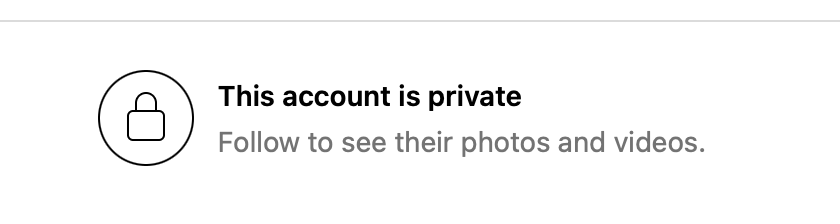
Ever tried to look up someone on Instagram only to get that gray screen saying “This account is private”?
Yeah, me too.
As a mom of teenagers and a tech entrepreneur, I understand the curiosity — and sometimes the worry. Maybe you’re trying to reconnect with someone. Maybe you just want to keep your kids safe online. Either way, there’s a right way and a wrong way to do it.
Let’s talk about both.
Why You Can’t Just “Unlock” a Private Instagram Account
Instagram gives every user the right to keep their posts private. It’s the same as closing your blinds at home. You can still wave to your neighbor from the porch — but you can’t peek through their window.
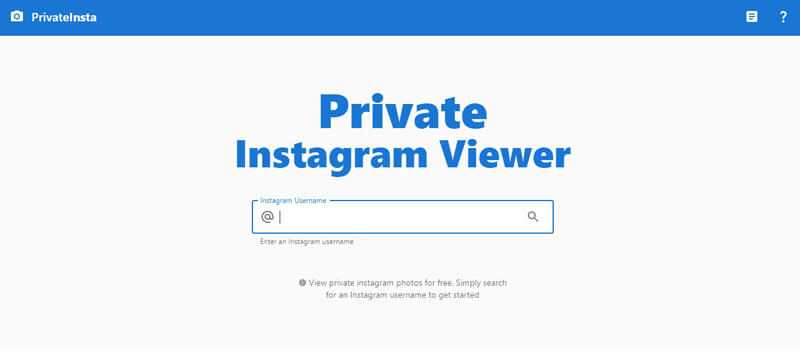
A few websites and apps claim they can help you “view private Instagram profiles instantly.” I’ve tested some of them myself (yes, out of curiosity and research for Family Orbit), and let me tell you — they’re not magic.
Most of them don’t actually “unlock” anything. They just make you think they can.
What Really Happens Behind Those “Private Viewer” Apps
I’m not going to name every one of them, but I’ve seen how they work up close.
Here’s the usual pattern:
- You pay a monthly subscription.
- They say, “We’re processing your request.”
- You wait.
- You get nothing — or maybe some random screenshots from public profiles.
One person wrote on Trustpilot, “I signed up and paid, but days later, nothing happened. Support just kept saying they were processing it.”
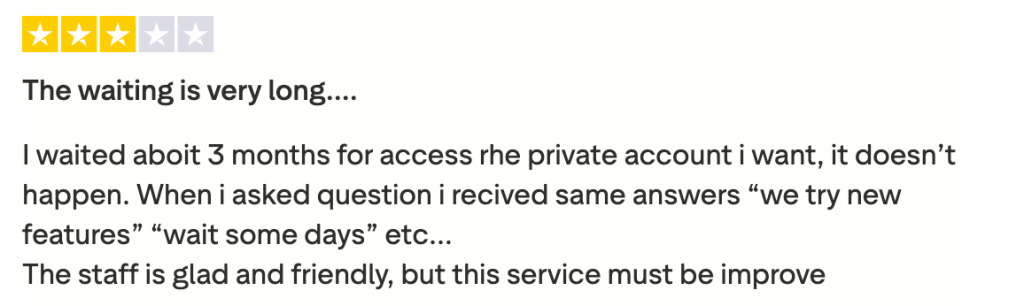
Another said, “It’s been weeks, no photos, but they charged me again.”
That’s because many of these apps don’t use real technology. They have teams (or bots) that send fake follow requests from throwaway accounts. If the private user accepts one, great — if not, too bad. They’ll still bill you.
It’s like paying a locksmith who never shows up.
And the worst part? Some of these sites also collect your Instagram login or credit card info. Once that happens, your account — or your money — might vanish faster than a disappearing story.
The Only Legal Way to See a Private Instagram Profile
You probably already know this, but I’ll say it anyway:
The only official way to see a private Instagram account is to follow it.
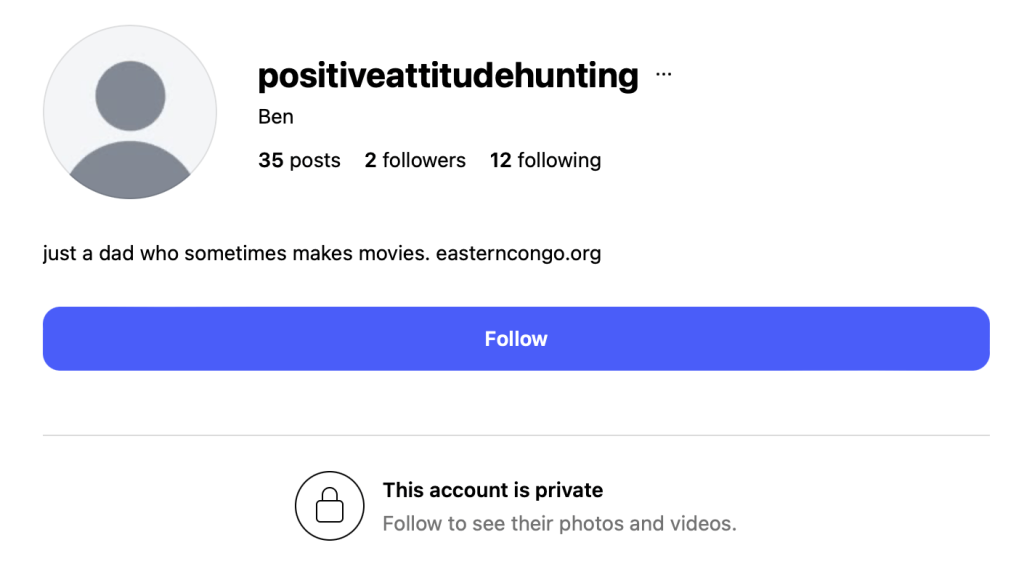
Send a real request. If it’s someone you know, maybe send a quick message like, “Hey, I’d love to connect here.” Keep it human.
If they say no, that’s their right. Respecting that boundary keeps you on the right side of both the law and basic decency.
What You Can Do Without Crossing the Line
If you’re just trying to find more context — maybe verify a profile, or check your teen’s circle — here are safer options that actually work:
1. Look for Their Public Footprints
Even private users leave some things public — tagged photos, likes, comments, and mentions. You can search their name or handle on Google and often see those traces.
2. Ask Mutual Friends
This one sounds old-fashioned, but it works. If you both know someone, ask them to confirm whether the profile you found is real.
3. Use a Public Instagram Viewer (For Public Accounts Only)
If the account you want to see is public, a tool like the Family Orbit Instagram Viewer lets you check photos and reels without logging in or using your own Instagram account.
No shady sign-ups. No data stealing. Just clean, anonymous viewing for public posts only.
It’s helpful for parents, too. You can see what your kids’ friends post publicly, without snooping on private content.
4. For Parents: Choose a Transparent Monitoring App
If your concern is about your child’s safety, skip the sketchy tools entirely.
Use a legitimate parental app that you can explain to your kid.
That’s what Family Orbit was built for — giving parents insights into phone activity, screen time, and social safety without lying or sneaking.
We believe you can protect your kids without breaking trust.
How to Spot a Scam Viewer (Quick Checklist)
Before you click “buy” on any private viewer, run through this list:
- Promises “instant access” to private accounts.
- Asks for your Instagram login.
- Has unclear billing or refund policies.
- Uses stock photos or fake testimonials.
- Offers no support contact besides a web form.
If two or more of those sound familiar, close the tab. You’re better off saving your money — and your peace of mind.
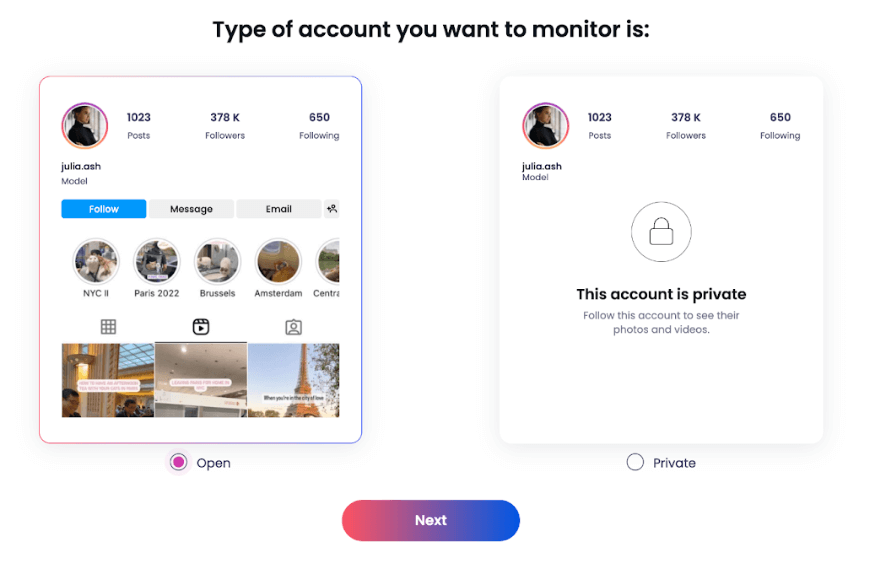
When Curiosity Crosses the Line
Let’s be honest — we’re all a little nosy online. I’ve caught myself clicking through profiles just to “see what’s new.” But there’s a big difference between curiosity and intrusion.
Privacy is like oxygen — you only notice it when it’s gone.
So whether you’re checking up on a new friend or keeping your kids safe, choose honesty and safety over shortcuts and scams.
FAQ
Can you view private Instagram profiles legally?
Only if the user accepts your follow request. Everything else is against Instagram’s rules.
Do “private viewer” apps work?
No. Most charge users and return nothing. Some even steal your login info.
What should parents do if they’re worried about their teen’s private account?
Talk to them. Then use a trustworthy parental tool that works with their knowledge — not behind their back.
Is using fake accounts allowed?
No. That breaks Instagram’s policies and can get your account banned.
Final Thoughts
As someone who’s been in tech for two decades — and a mom raising two teens in a social-media world — I’ve learned one truth:
Trust beats tracking every time.
When you respect privacy, use tools built for transparency, and skip the gimmicks, you don’t just protect your data — you protect your integrity.
Curiosity is normal. But peace of mind? That’s earned by doing things the right way.
- Monitor Calls & Text Messages
- View Photos and Videos
- Location Tracking & Geofence
- Monitor WhatsApp & Kik
- Detect & Alert for Inappropriate Activities
- Monitor Websites Visited
- Compatible with Android and iOS