
![Ultimate List of Game Sites Not Blocked by School [ 2025 Updated ]](https://www.familyorbit.com/blog/wp-content/uploads/2023/04/list-of-gaming-sites-not-blocked-by-school-809x485.jpg)
Welcome, all ye weary students and sneaky parents, to the ultimate guide to gaming in academic settings! If you’ve ever found yourself stuck in a boring lecture with only the tantalizing thought of crushing candies or slaying pixelated dragons, this article is for you.
We’re going to reveal all the juicy secrets behind gaming while not getting caught.
And for parents, you’ll discover how to become an educational superhero by blocking games faster than your children can say “Aw, come on!”
We’ll venture into the world of gaming websites and apps that have managed to evade school network security measures. But like any great superhero story, we’ll also examine its darker side–why blocking games on school networks is so important and how parents can do it on their children’s devices.
So strap in for an exciting journey into gaming that might just earn you a high score in real life!
Why Some Game Sites Aren’t Blocked at School
Most schools use filtering systems such as GoGuardian, Securely, or DNS-based filters to block known gaming sites, social platforms, and anything with chat. These tools rely heavily on categories like “games,” “entertainment,” “social media,” or “adult content.”
But some game sites still slip through because they’re:
- Educational (math, logic, reading)
- Strategy-based
- Classroom-approved
- Not labeled as “gaming” in filtering databases
That’s why websites like Coolmath or Chess.com continue to be accessible — they’re categorized under “learning,” “logic,” or “critical thinking,” not arcade gaming.
5 Games to Play at School Online That Are Not Blocked
Chess.com
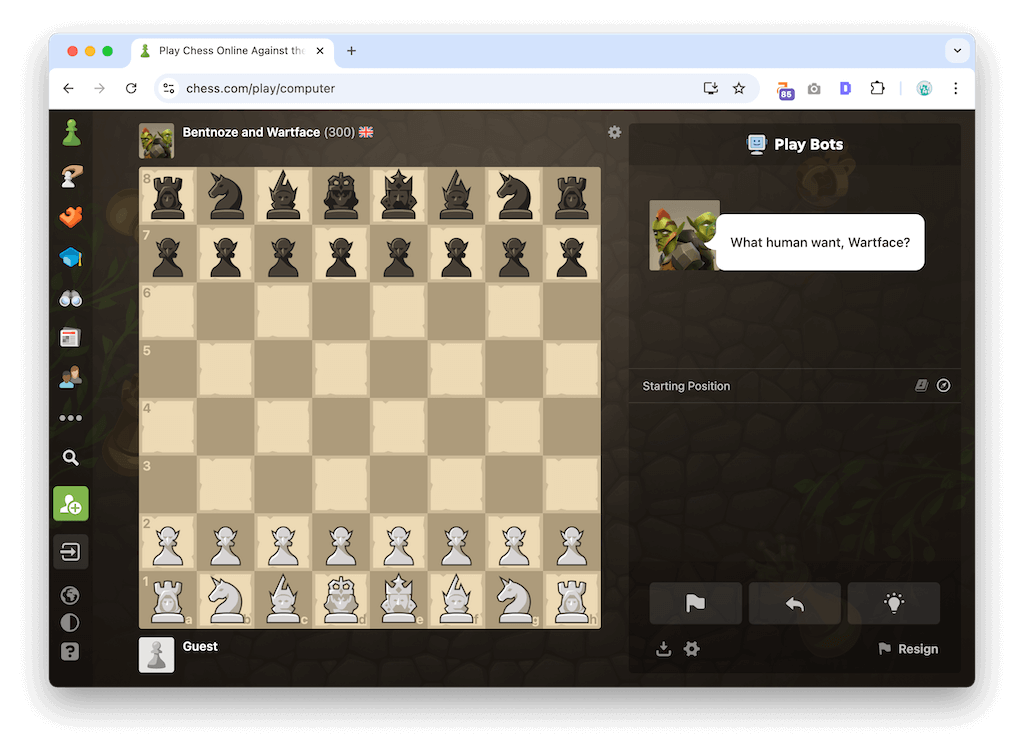
Visit Chess.com, a haven for both grandmasters and casual players alike. This premier platform provides an abundance of features designed to maximize your chess experience – from interactive lessons, puzzles, and articles written by experts – to daily tournaments where you can test yourself against friends and strangers from around the globe.
If you ever tire of the traditional game, try some variants such as Bughouse, Crazyhouse, or 960 Chess. Not only does this website bypass school network blocks, but it also offers an educational and engaging pastime for your brain. Track your progress with advanced statistics, participate in club matches, and stay up to date on chess news and events with this website.
Coolmath Games
https://www.coolmathgames.com/
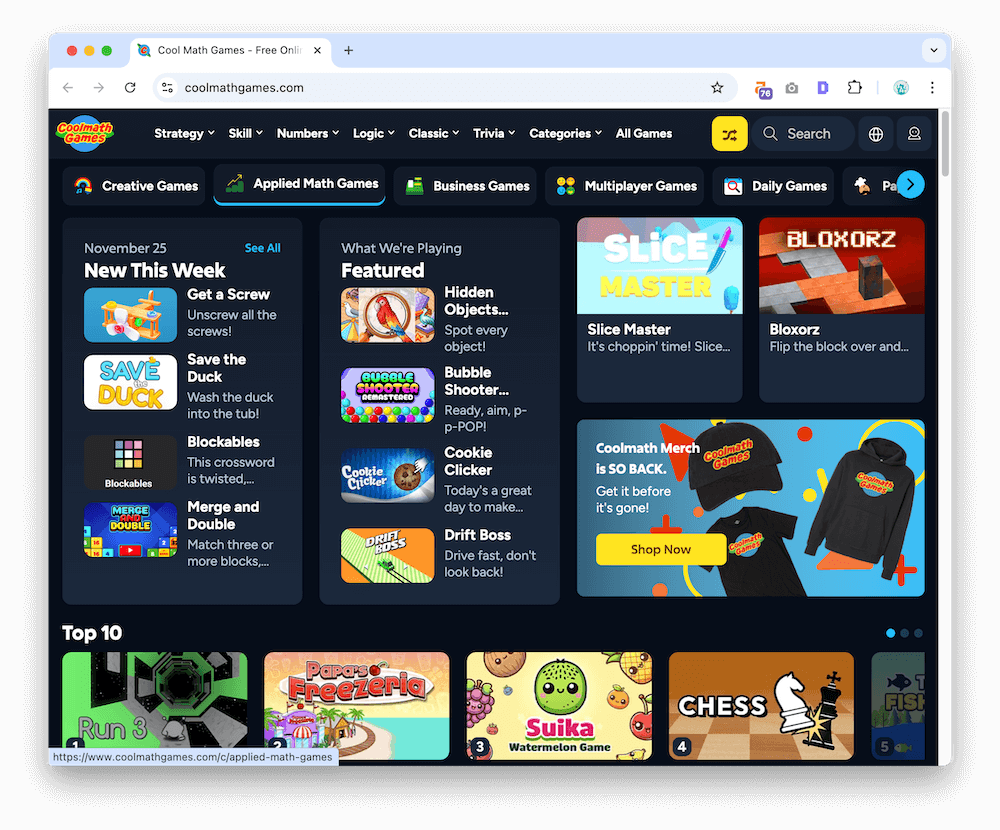
Coolmath Games is the premier destination for educational gaming that’s as entertaining as it is educational. With an expansive library of titles covering math, logic, strategy, and skill, Coolmath has something for everyone! From classic titles like “Snake” or “Tetris” to unique titles like “Papa’s Freezeria” or “Run 3,” you’ll be challenged and engaged while brushing up on essential problem-solving abilities at the same time!
Teachers and school administrators likely won’t consider Coolmath Games a threat due to its emphasis on educational content. You’ll find games organized by grade level, subject, and skill – making it simple to find the ideal challenge. Coolmath Games offers more than just entertainment; it’s an opportunity to expand your mind while taking a break from traditional classroom settings.
Poki Poki
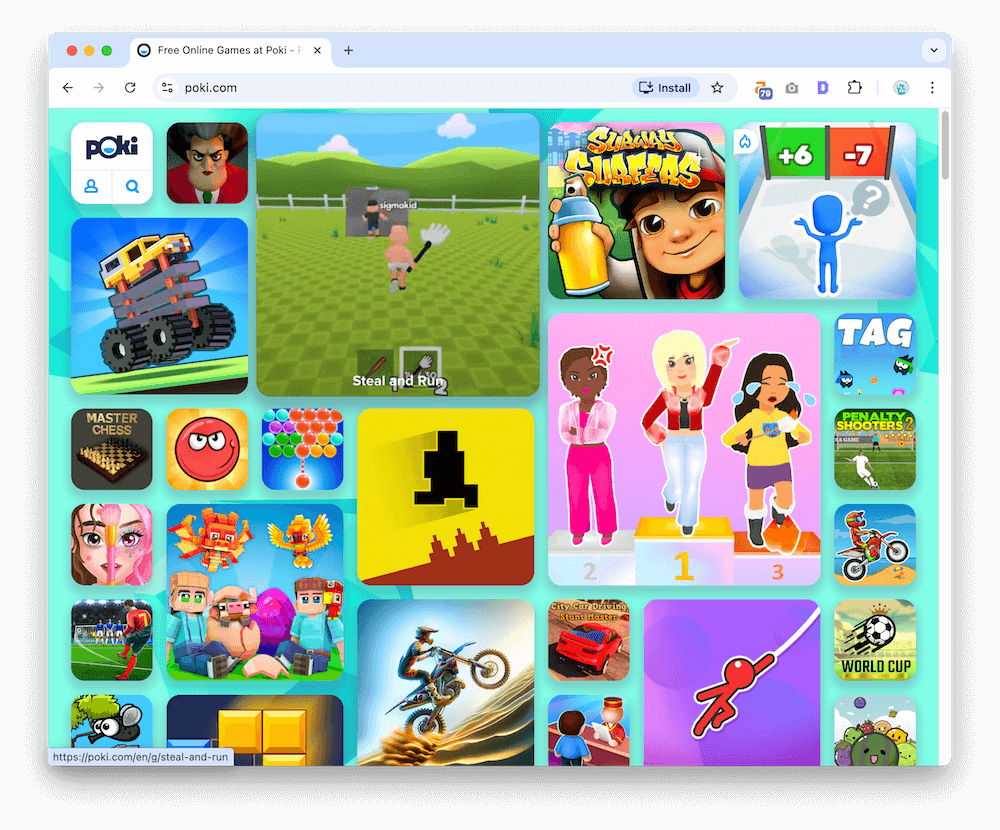
Poki offers an incredible selection of gaming titles across numerous genres. With such a broad selection, Poki makes for the perfect destination for gamers of all interests–from action-packed platformers and racing games to relaxing puzzles and brain teasers!
Poki offers an array of games that may not be specifically educational, but still require critical thinking, strategy, and problem-solving skills that could potentially bypass school network restrictions. Plus, its user-friendly interface makes finding games tailored to your interests a breeze – providing hours of entertainment without fear of being blocked.
Neal.fun
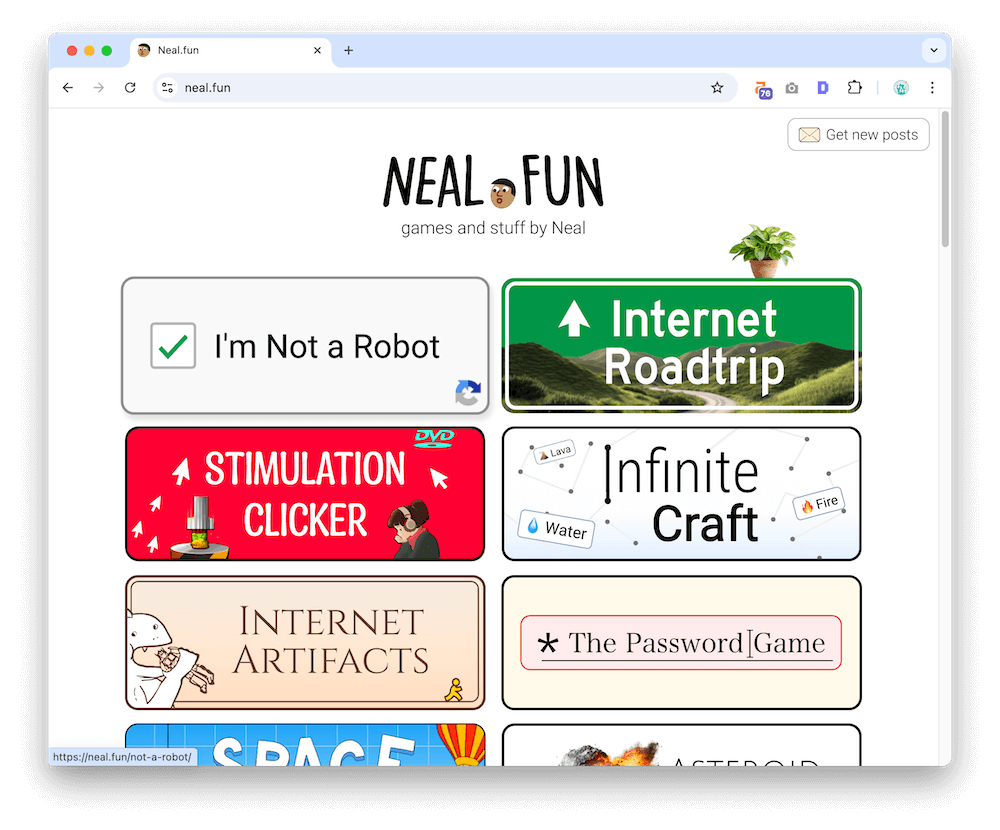
This quirky collection of creative mini-games and simulations is not always recognized as a gaming site in filtering systems. Many Neal.fun experiences are educational, historical, or science-focused — and surprisingly wholesome.
PrimaryGames
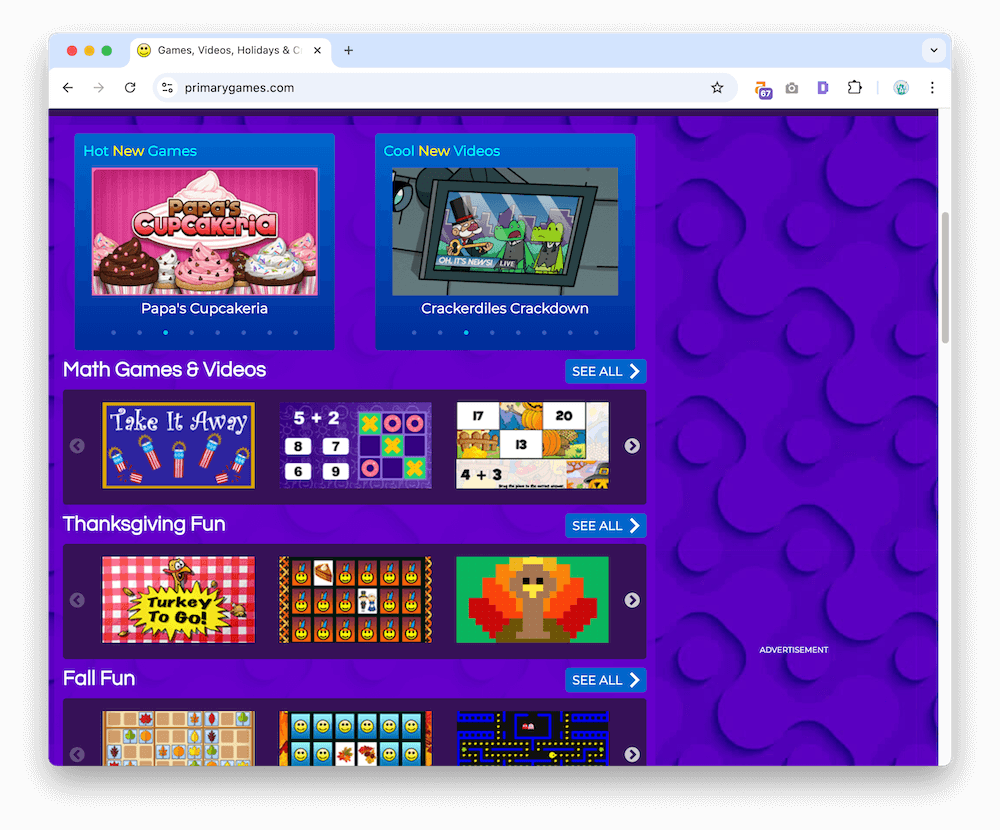
PrimaryGames is an educational gaming website that offers an exciting selection of games for students of all ages. The site covers subjects like math, reading, science, and social studies – making it a great resource for both students and teachers alike. The games are specifically designed to be both educational and entertaining – helping reinforce classroom learning while having fun!
PrimaryGames’ focus on education means it often bypasses school network filters, offering an exciting selection of educational games like “Dune Buggy,” “Monkey GO Happy,” and the beloved “Papa Louie” series.
PrimaryGames provides a great choice for students looking for an entertaining yet educational gaming experience during school hours, with seasonal and holiday-themed titles offering something new to discover every day. With such a comprehensive library, PrimaryGames promises plenty of learning opportunities!
There you have it–five gaming websites that have managed to circumvent school network restrictions. Whether you’re seeking an intellectual challenge or simply some fun entertainment, these websites offer a diverse selection of enjoyable and potentially educational games.
Just remember to exercise your newfound freedom responsibly and never let it interfere with your studies or classroom learning. Happy gaming!
5 Gaming Apps That School Kids Can Enjoy on Their Tablets
Available on: iOS | Android
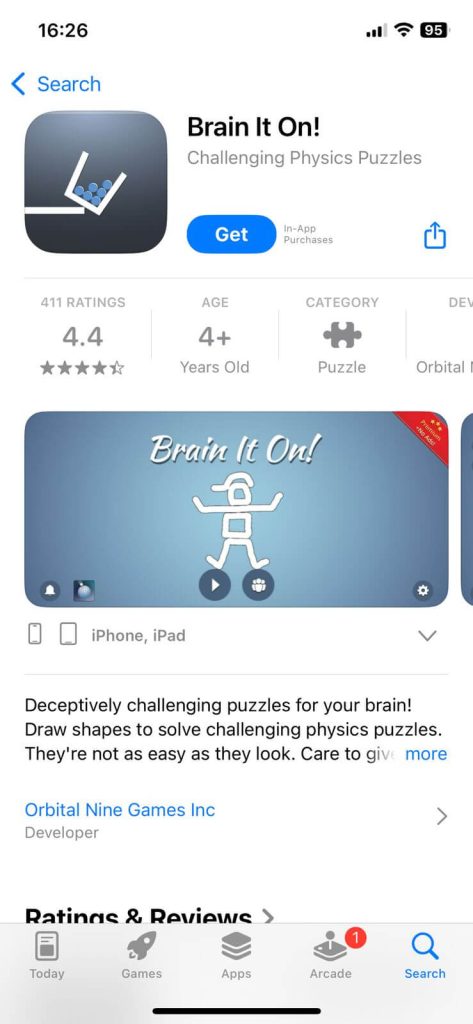
“Brain It On!” is an engaging physics-based puzzle game that tests players’ creativity and logic as they draw shapes and lines to complete various tasks. Each level presents a problem that requires creative thinking to solve, making this an ideal choice for students to play on their tablets during school breaks. With its educational value and emphasis on logic, “Brain It On!” makes for great entertainment during downtime at school.
“Brain It On!” offers hundreds of levels to conquer and a leaderboard to climb, providing the ideal combination of entertainment and mental exercise. Its straightforward design and captivating gameplay will keep you hooked for hours while honing problem-solving skills and increasing brainpower.
Available on: iOS | Android
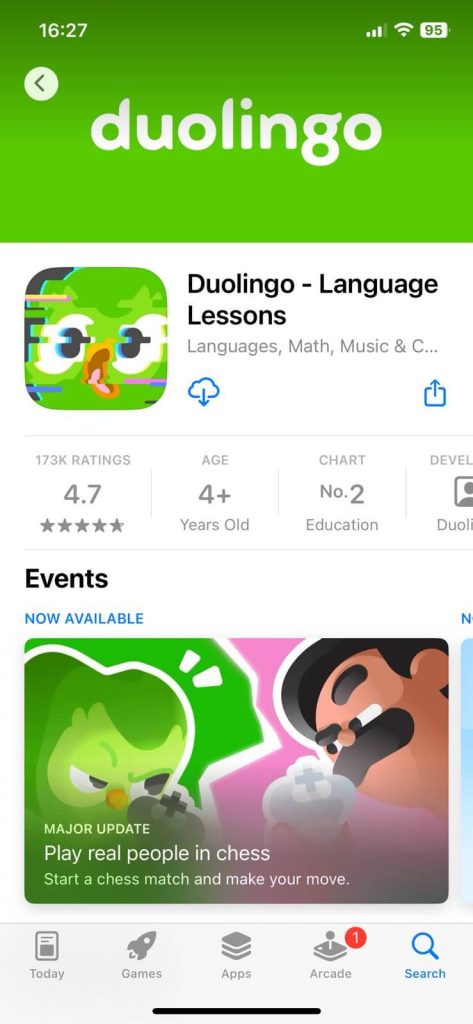
Duolingo is an app available on both iOS and Android that combines fun activities with practical lessons for language learning. It offers a wide range of languages, including Spanish, French, and Germa,n as well as lesser-known options like Esperanto or High Valyrian.
Duolingo uses gamification techniques to motivate users to practice regularly by earning points, leveling up, and competing with friends. The app’s lessons are designed for speed and convenience so students can learn in short bursts during school breaks or free periods. Furthermore, since Duolingo is educational in nature, it won’t be blocked on school networks or tablets.
Available on: iOS | Android
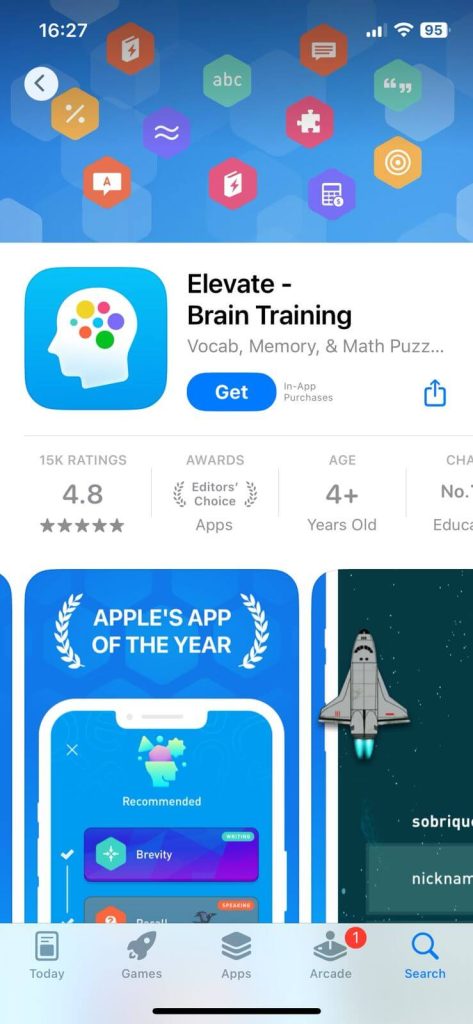
Elevate is a collection of brain training games designed to improve cognitive skills such as memory, focus, and processing speed. The app provides personalized programs tailored to each user’s strengths and weaknesses so exercises remain challenging yet engaging.
Elevate is an ideal choice for students looking to stimulate their minds during school hours. Plus, its educational focus means it’s less likely to get blocked on school tablets.
Available on: iOS | Android
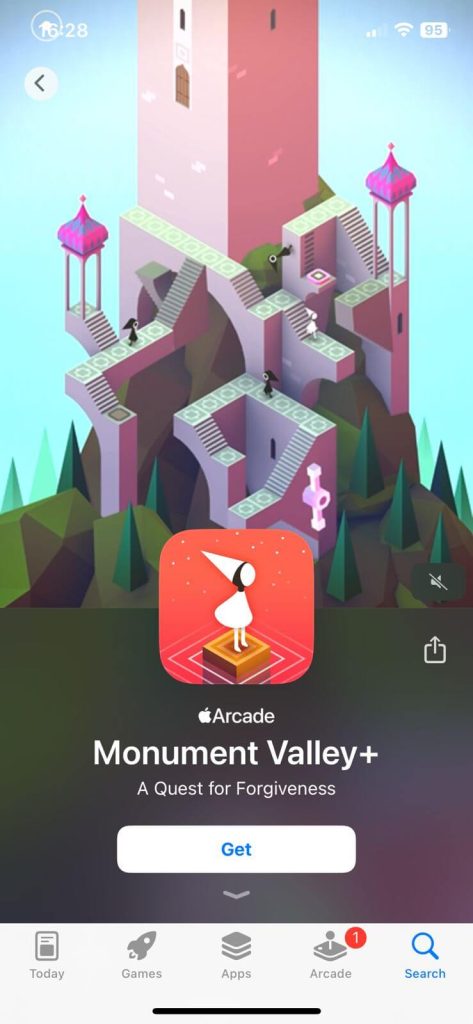
Monument Valley is an immersive puzzle game that takes players on an incredible journey through a world of impossible architecture and captivating illusions. Players guide a silent princess named Ida through mazes of optical illusions and mysterious monuments, manipulating the environment to create new pathways.
Though not specifically educational, Monument Valley requires players to use critical and creative thinking in order to solve its intricate puzzles. Its captivating visuals and tranquil atmosphere make it ideal for students seeking a relaxing yet engaging gaming experience during school breaks.
Available on: iOS | Android
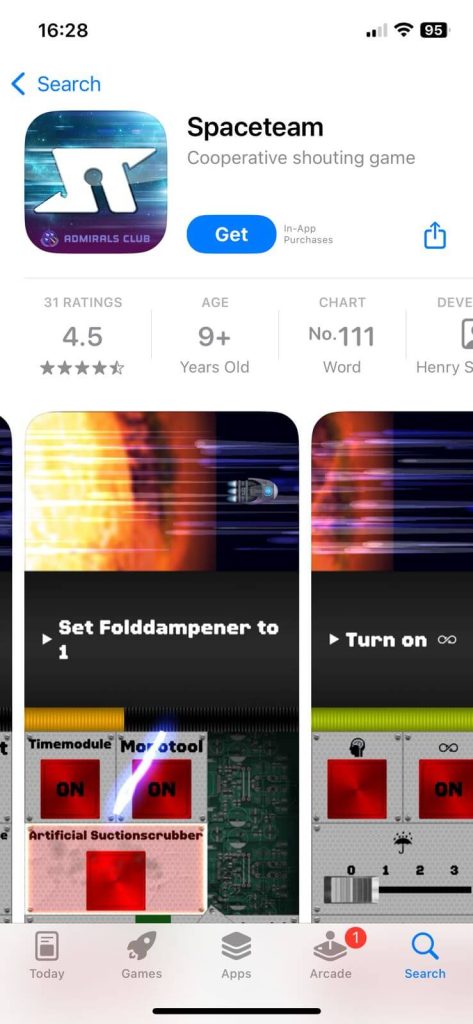
Spaceteam is an engaging cooperative party game that challenges players to work together in order to save their spaceship from certain destruction. Each player receives a randomly assigned control panel with buttons, dials and switches which they must communicate with their teammates to execute time-sensitive commands.
As the game progresses, challenges become increasingly difficult; quick thinking and effective communication are essential for success.
Spaceteam may not be an educational game, but it does promote teamwork, communication, and problem-solving abilities – making it a valuable addition to any school tablet. Group play with Spaceteam during lunch breaks or free periods is ideal, plus its cooperative nature means it won’t get blocked on school networks.
These five gaming apps provide students with a range of experiences while on their tablets during school hours. Whether it’s to improve cognitive skills, learn a new language or simply unwind with an engaging puzzle, these applications offer engaging entertainment that won’t get blocked by school networks. Just remember to balance your gaming time with other responsibilities and enjoy these apps responsibly!
Risks & Consequences: What Students Should Know
Here’s the part no one likes, but it’s important.
Schools can see activity on their networks — even on personal devices.
Most districts log:
- URLs visited
- Time spent on sites
- Search terms
- App activity
- Attempts to bypass filters
Playing games at the wrong time (or the wrong site) can lead to:
- Device restrictions
- Loss of Chromebook privileges
- Detention or disciplinary notes
- A call home (the ultimate boss fight)
Tip: Save gaming for breaks, lunch, after-school time, or weekends. A few minutes of fun is never worth getting your device flagged.
Reasons to Block Games on the School Network

Schools block games on their networks for several reasons, such as to maintain focus on academics, minimize distractions, conserve bandwidth, and ensure online safety.
- Maintain Focus on Academics: Schools exist to promote learning, with a primary objective of providing students with the best education. By blocking games from entering school grounds, schools can help keep students focused on their coursework and encourage them to make use of their time there more productively.
- Minimizing Distractions: Games can be highly engaging and immersive, making it difficult for students to focus on their studies when they have easy access. Blocking games helps reduce distractions so students can focus on tasks and assignments.
- Conserving bandwidth: Schools often have limited bandwidth and network resources. When students play online games, they take up valuable bandwidth that could otherwise be utilized for educational purposes. By blocking games, schools can prioritize resources for more pressing academic applications.
- Ensuring Online Safety: Certain games may expose students to inappropriate content or unsafe online environments. Blocking access to these games helps schools protect their students from harm and create a secure learning atmosphere.
How Can Parents Block Games on Their Child’s Devices?
Parents can proactively prevent their children from playing certain games on mobile devices through various methods, helping to maintain a balance between leisure time and academic pursuits.
- Utilize Built-in Parental Controls: Most devices, such as smartphones, tablets, and computers, come equipped with built-in parental controls that let parents restrict access to specific apps, games, and content. Parents can consult their device’s user manual or search online for instructions on how to enable these controls on their own.
- Setting Content Restrictions: Some devices allow parents to set content restrictions based on age ratings or categories. By doing this, they can prevent their children from downloading or accessing games that are deemed unsuitable for their age group or otherwise inappropriate.
- Install Third-Party Applications: Parents may choose to install third-party parental control applications on their child’s devices. These apps often come with advanced features, such as monitoring screen time, blocking specific games or apps, and even producing reports regarding device usage.
- Establish Rules and Routines: In addition to technology-based solutions, parents can set household rules and routines regarding device usage. By setting clear expectations and guidelines, parents can motivate their children to use their devices responsibly while still prioritizing academic tasks.
- Parents can help their children create a healthy balance between playing games and focusing on education, providing them with the necessary tools and support to succeed academically.
How We Created This List (Methodology)
To make this list as accurate and helpful as possible, we:
- Reviewed the most commonly used school filtering systems
- Checked how popular sites are categorized in filtering databases
- Analyzed reports from parents, students, and educators
- Focused on sites known for educational value or logic-based gameplay
- Verified “unblocked” status on multiple networks as of November 2025
Because every district uses unique rules, results can vary. Always check your school’s acceptable use policies (AUP).
Conclusion
Gaming in school can be both educational and entertaining, provided it’s done responsibly. Students have access to unblocked gaming websites and apps, but they need to understand why schools or parents might block certain games and how they can enforce those restrictions. By finding a balance between fun and learning, students can maximize their educational experience without jeopardizing academic progress.
- Monitor Calls & Text Messages
- View Photos and Videos
- Location Tracking & Geofence
- Monitor WhatsApp & Kik
- Detect & Alert for Inappropriate Activities
- Monitor Websites Visited
- Compatible with Android and iOS