
Have you ever stood in the middle of the kitchen, phone in hand, wondering where your kid—or their iPhone—is?
Phones aren’t just for texting and calls anymore. They carry our photos, our passwords, and even where we’ve been. Losing one feels a lot like losing a piece of ourselves.
That sinking feeling when a phone goes missing? It’s real—and it doesn’t matter whether it slipped out of a bag, got left in an Uber, or your teen simply “forgot” to charge it before heading out.
If it’s an iPhone, the built-in Find My iPhone feature is a lifesaver—but only if you’re using another Apple device. Things get trickier when you’re on Android.
So, what if you’re the Android user trying to find a lost iPhone? Or a parent who needs to keep tabs on a child’s Apple device?
There are ways to do it. And you don’t have to be a tech expert to figure them out.
Here are three proven methods to track an iPhone using an Android—simple, reliable, and fully explained below.
Method 1: Use iCloud’s Find My iPhone from Your Android
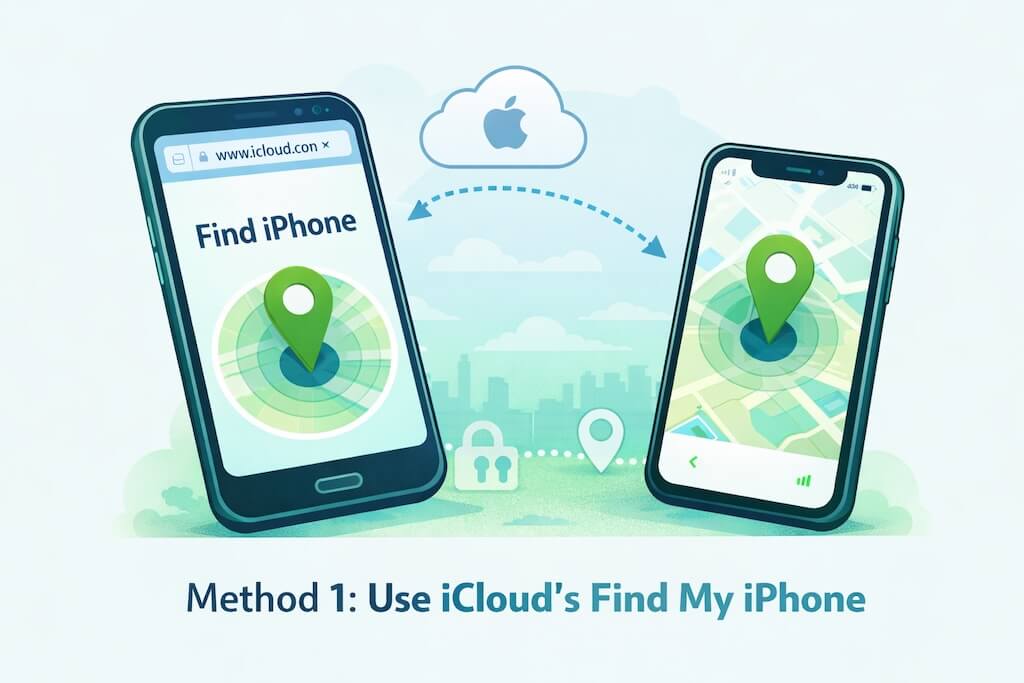
If you’ve got access to the iPhone’s Apple ID, you can use iCloud’s Find My iPhone from any browser—yes, even from an Android phone. It’s Apple’s own tool for tracking lost or stolen devices.
This is the most straightforward option if you’re helping a friend or family member who’s lost their phone, and they’ve shared their login with you. No need to download anything.
How to use it:
- Open Chrome (or any browser) on your Android.
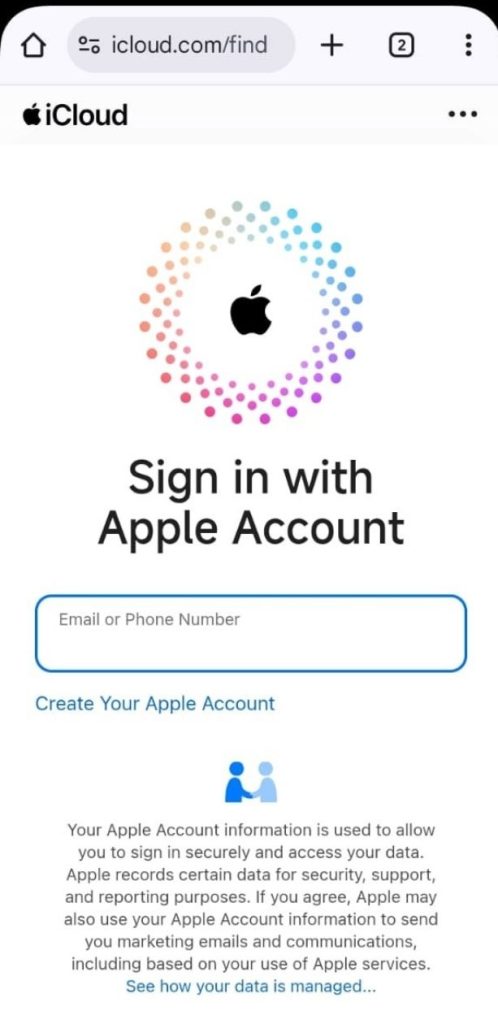
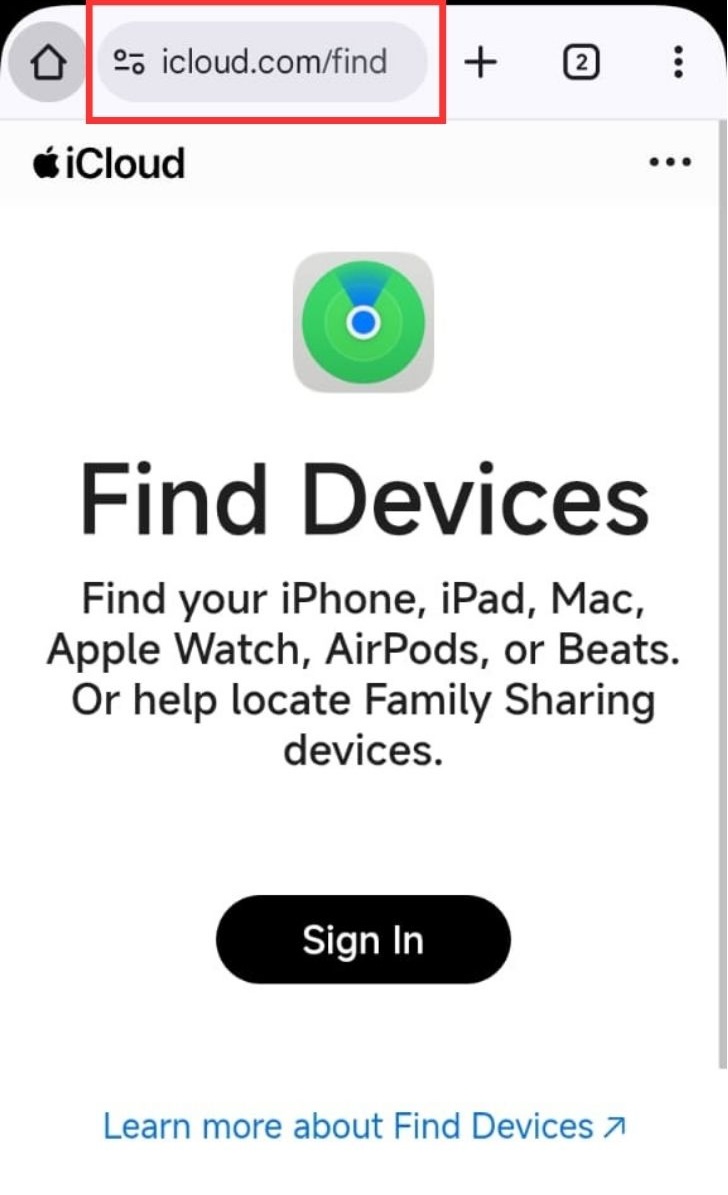
- Go to www.icloud.com and sign in with the Apple ID tied to the lost iPhone.
- Tap “Find iPhone.”
- Pick the device from the list to see its location on the map.
When this method works best:
- You’ve got the iPhone user’s permission.
- You’re tracking your own lost phone (and still remember the Apple ID).
- “Find My iPhone” was already turned on before it went missing.
What to watch out for:
- Won’t work if the iPhone is off, out of battery, or not connected to Wi-Fi or data.
- No tracking history—just live location (if available).
- Requires full Apple ID login (not just the email).
Quick takeaway:
Use this if you’ve got access to the Apple ID and need a one-time quick check. It’s not built for daily tracking or for monitoring kids long-term—but it’s perfect in a pinch.
Related: 5 Unique Ways to Track an iPhone by Phone Number
Method 2: Use Google Maps Location Sharing
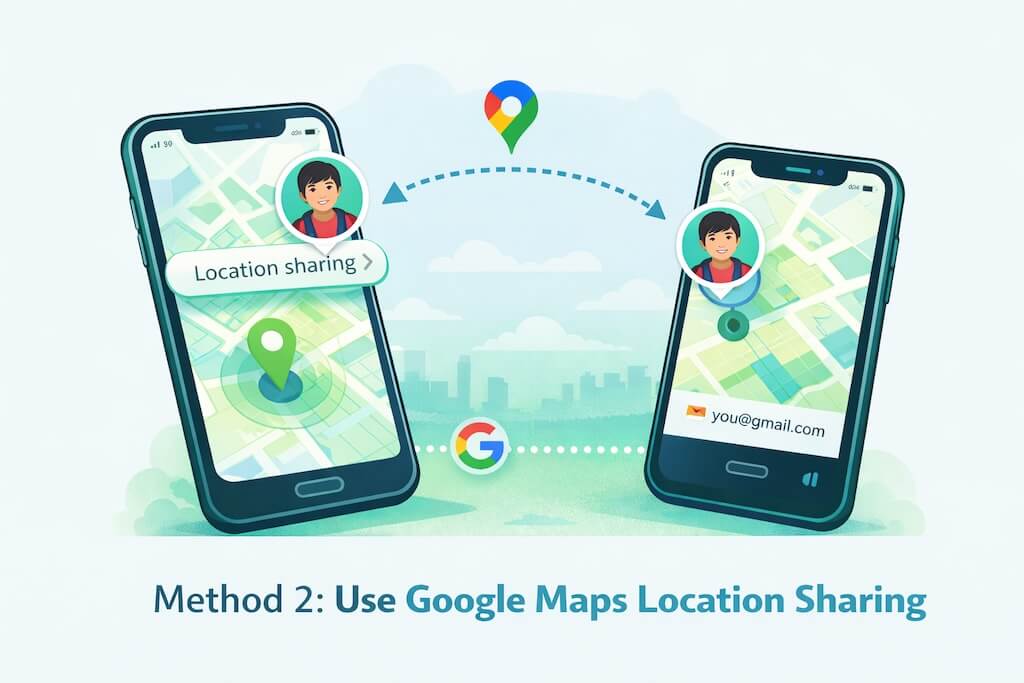
This is one of the easiest ways to see someone’s iPhone location from your Android — but only if they’ve shared it with you first through Google Maps. It doesn’t happen automatically.
This method works great between friends, partners, or parents and teens when both sides are okay with sharing. It shows real-time location and works across devices, as long as Google Maps is installed and location permissions are turned on.
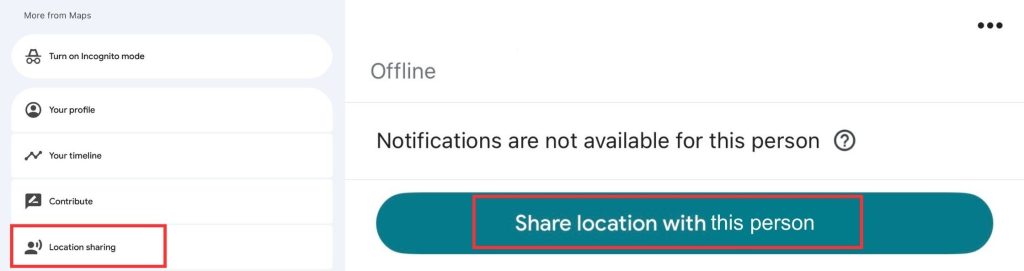
How to set it up (on the iPhone):
- Open Google Maps on the iPhone.
- Tap the profile icon > Location Sharing > New Share.
- Choose your Gmail address.
- Set how long they want to share their location (1 hour or “until you turn this off”).
To view on your Android:
- Open Google Maps.
- Tap your profile > Location Sharing.
- Their live location should appear on the map.
When this method works best:
- You and the other person trust each other and want ongoing location sharing.
- You’re trying to coordinate pickup or keep an eye on someone’s safety.
- You want real-time tracking, not just a last-seen update.
What to keep in mind:
- The person must set this up manually on their iPhone.
- If they turn off location sharing, it stops immediately.
- Doesn’t track texts, app use, or anything beyond location.
Quick takeaway:
This is a great low-effort option if you’ve already got each other’s Gmail info and want to keep tabs on where someone is — not what they’re doing.
Related: 5 Real Ways to Track Your Child’s Phone Location
Method 3: Use a Parental Tracking App Like Family Orbit
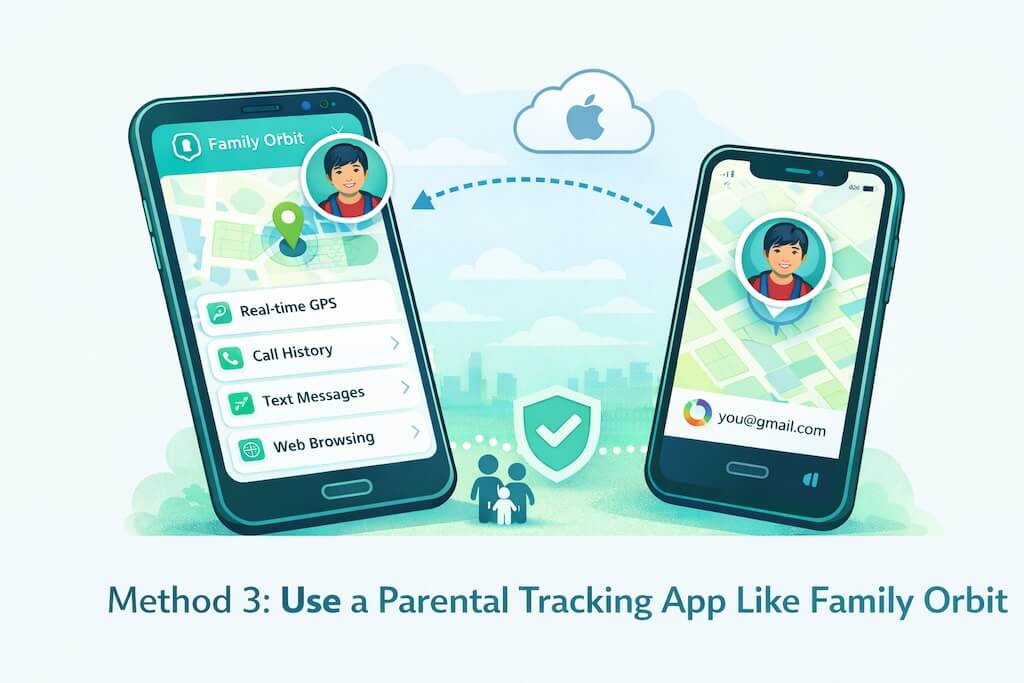
When you need more than just a map dot, apps like Family Orbit give you deeper insight into your child’s iPhone activity — not just where they are, but how they’re using the phone.
This method is built for parents who want a safer way to guide their kids in today’s digital mess. It’s not about spying. It’s about being involved without being intrusive.
Family Orbit works by syncing with the iPhone’s iCloud backup — no jailbreak, no risky installs, and no physical access once it’s set up.
What you can see:
- Real-time GPS location
- Call and text message history
- Screen time and app usage
- Photo logs and browsing data
- Alerts for suspicious activity or unsafe behavior
How to get started:
- Sign up for Family Orbit on your Android or computer.
- Log in with your child’s iCloud credentials (you’ll need 2FA just once).
- Sync the account and wait for the dashboard to update with data.
💡 Pro Tip:
If your child already has “Find My iPhone” enabled, this works even better — and gives you more peace of mind if something goes wrong.
When this method works best:
- You’re a parent or guardian of a minor child.
- You want more than just location sharing.
- Your child uses an iPhone, and you use Android — and you want a single app to manage safety.
What to know:
- This method does require consent and setup with the child’s iCloud account.
- It’s a paid solution — but it replaces the need for several different apps.
- Not meant for tracking adults or partners.
Quick takeaway:
Use this method when you want full visibility into your child’s digital world, not just their physical one. It’s a safety tool, not a shortcut.
Compare Your Options
| Feature | iCloud Find My | Google Maps | Family Orbit |
|---|---|---|---|
| Real-Time Location | ✅ | ✅* | ✅ |
| Shows Past Location History | 🚫 | ✅ | ✅ |
| Tracks Messages & Apps | 🚫 | 🚫 | ✅ |
| Works Without Their Help? | Only with Apple ID | No | With consent & setup |
| Good for Parents? | ✅ (limited) | ❌ | ✅✅✅ |
*Requires location sharing to be enabled manually
Is It Legal to Track an iPhone?
Short answer: Yes, if you have consent.
Longer answer: It depends on who you’re tracking and why.
Legal for:
- Parents tracking their minor children
- Tracking your own lost or stolen phone
Illegal or shady for:
- Tracking a partner, friend, or adult child without them knowing
- Using tools that claim to be “undetectable”
A study in 2023 found that 68% of parents worry about their child’s digital safety more than real-world safety. So tracking isn’t just about location—it’s about peace of mind.
What Doesn’t Work
Before we wrap up, here are a few things that don’t pass the smell test:
- Apps that say “no access needed” or “track anyone by number” – ❌ Fake.
- YouTube tricks that promise free iPhone trackers – ❌ Clickbait.
- Downloading shady APKs – ❌ Risky. Just don’t.
If it sounds too good to be true, it probably is.
Final Thoughts
Tracking an iPhone from an Android is possible—you just need the right tools and the right intentions.
Whether it’s keeping your teen safe, checking if Grandma made it home, or finding your own lost phone, you’ve got options.
Family Orbit is one of them, and it’s built by folks who are living this life, not just selling to it.
Want to see how it works? Try it free for 7 days.
FAQs
Can I track an iPhone without the Apple ID?
Only if they’ve shared their location with you through Google Maps or you’ve set up a parental control app with permission.
Will the iPhone user know they’re being tracked?
Yes, with any legal and trustworthy tool. If they don’t, that tool probably isn’t legit.
Does Family Orbit work without jailbreaking?
Yes. No hacks. No funny business.
- Monitor Calls & Text Messages
- View Photos and Videos
- Location Tracking & Geofence
- Monitor WhatsApp & Kik
- Detect & Alert for Inappropriate Activities
- Monitor Websites Visited
- Compatible with Android and iOS



![Ultimate Guide To Track A MetroPCS Phone For Free [5 Methods]](https://www.familyorbit.com/blog/wp-content/uploads/2023/11/how-to-track-a-metropcs-phone-for-free-blog-300x180.jpg)